PLAY AND LEARN EDUCATIONAL GAMES FOR KIDS PLEI END LERN EDYUKESHINAL GEIMS FO KIDS, TOO
Draw, color, and create cartoons
Create drawings using various colors and tools. Select from pencils and brushes to color favorite characters. Add interactive elements to animate drawings and tell stories. Explore themed scenes like rocket launches and space adventures.
Create digital artwork using drawing tools and customizable templates. Access categorized sketch ideas for different skill levels. Save and share drawings directly. Adjust brush settings and layer options for detailed artwork.
Use AR to trace and recreate images by aligning with real-world objects. Adjust line thickness and color. Save and share drawings. Access tutorials for improving sketching techniques. Export in multiple file formats.
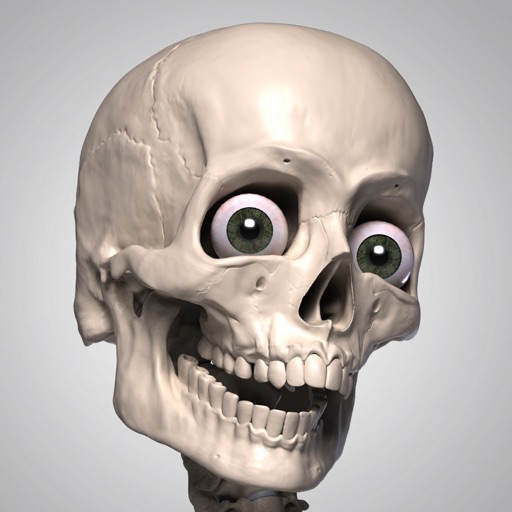
Explore detailed 3D skeletal and muscular system models. Rotate, zoom, and dissect layers to view internal structures. Access a drawing gallery with anatomical references. Purchase additional muscular system content.
Create drawings with 20 colors and 3 line thickness options. Continue drawing sessions across devices. Access calming background music. No in- purchases or ads. Designed for ages 1 and up.
Use AR camera to trace and sketch projected lines onto paper. Draw over real-world objects with digital ink. Save and share artwork directly. Adjust line thickness and color. Export drawings in multiple formats.
Children can freely using a virtual notebook with crayons and brushes. They can sketch shapes, experiment with colors, and create without limits or templates.
To with guided lessons that show real strokes from professional artists. Practice step-by-step techniques to build confidence and accuracy. Use Apple Pencil for precise input and track progress through interactive exercises.
Create and color images using a variety of tools and templates. Choose from different color palettes and brushes. Save and share completed artwork. Include interactive to teach colors and shapes.
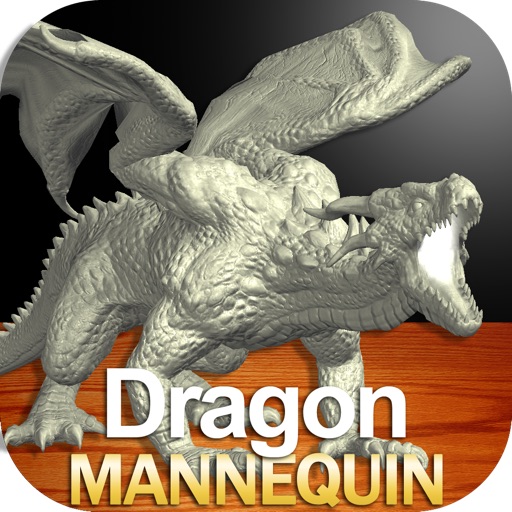
Draw a -Rex by adjusting poseable limbs and joints. Use reference tools and skins for detail. Change camera angles and backgrounds. Animate natural movements for realistic poses. Select from various platforms and styles.
Create and refine artwork using AI-powered tools and AR integration. Access 550+ lessons with character-based tutorials. Collaborate with others in real-time. Track progress and receive feedback. Export drawings in various formats.
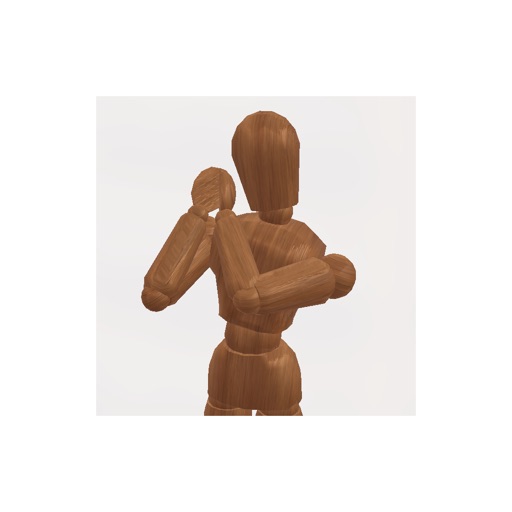
Control main joints for precise adjustments. View multiple angles of different poses. Inspect yoga or exercise positions from various perspectives. Use as a drawing model for animation, illustration, or sketching.
Allows users to create drawings with customizable tools and layers. Share artwork with friends or join collaborative sessions. Access weekly drawing lessons and tutorials. Save and organize projects in a personal gallery.
Create pose references for figure drawing using a 3D mannequin . Load and overlay reference images. Save and share poses. Mimic realistic human movement. Supports phones and tablets. Includes indie-developed features with future updates.
Draw a in any pose with poseable figure tools. Adjust limbs and joints for custom positions. Use skins to enhance detail and realism. Change camera angles and zoom. Select from various backgrounds and platforms.
Draw a with poseable limbs and adjustable joints for custom poses. Use reference tools and skins to enhance detail and realism. Adjust camera angles and select backgrounds and platforms for accurate drawing.
Create plays using a drag & drop interface that snaps to players. Plays animate automatically with optional or synchronized actions. Build full playbooks by dragging plays from a library and export as shareable links or PDFs.