Create and edit and drawings for home screen and lock screen widgets. Draw with Apple Pencil or finger, type with keyboard. Customize backgrounds, colors, fonts, and zoom for details. Combine text and drawings in one note. Share as images or text.
Create vector art using Bézier tools and Apple Pencil. Convert sketches or photos to SVG format. logos, icons, illustrations, and UI assets. Export vector files for production use. Refine curves and edit vector drawings directly.
Create social media posts, flyers, collages, logos, and wallpapers with drag-and-drop tools. Use pre-designed templates for Instagram, Facebook, and phone wallpapers. Add text, images, and graphics.
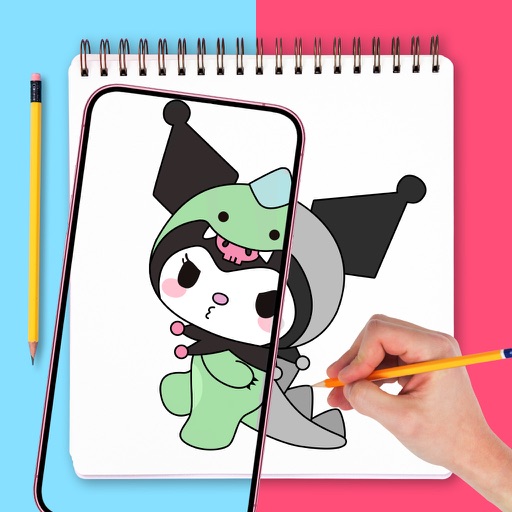
Use augmented reality to draw on any surface. Trace outlines, adjust colors, and add textures. Save and share drawings. Access tutorials for beginners. Export in various formats.
Create drawings using AR tools, trace real-world objects in real-time, and convert photos into sketches. Access a library of templates for design projects. Share artwork directly from the .
With AR to images or text on real surfaces. Use guided frames for beginners. Create sketches and color them. Export artwork in various formats. Sync projects across devices.
Use augmented reality to trace photos or line drawings. Adjust brush settings for precision. Annotate and refine sketches digitally. Export final artwork in various formats. Share drawings via social media or email.
Edit photos with finger-tracing and mosaic effects. Apply multiple layers of and mosaic styles. Crop processed images to custom sizes. Export edited photos in various formats.
Create embroidery, cutting, and printing designs using a library of thousands of templates and 2,000+ Disney designs. Edit text with 300+ fonts, monogram tools, and shape options.
Turn photos of pets or objects into customizable patterns for lock screens. Create animated patterns and save as live photos, videos, or GIFs. Use AI to cut out subjects or trace manually. Choose from suggested colors and palettes.