Apps Like AI Designer - Interior Design for iPhone and iPad
Rooms with AI-powered tools
AI Pro lets users capture room photos to generate ideas. Apply virtual furniture and decor. Adjust color schemes and lighting. Save and share concepts. Collaborate with others on projects. Export 3D views for realistic previews.
by Dmitrii Solovev★ 4.575 ratingsGraphics & DesignFreeData updated 2026-09-06
Design and style any room using AI technology. Choose from various design styles and layouts. Add furniture and items. Adjust lighting and color schemes. Export design plans and share with others.
Capture images of rooms to generate 3D interior visualizations. Adjust lighting, color schemes, and furniture layouts. Preview different styles like modern, elegant, rustic, or classical. Save and share concepts with collaborators.
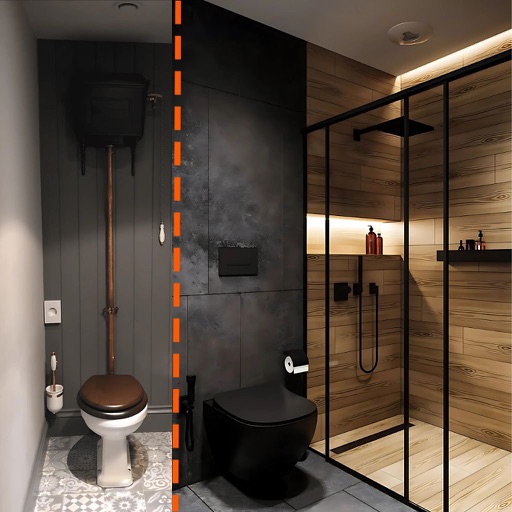
Transform spaces with AI-generated designs. Upload a photo for instant 3D room makeovers. Choose from 50+ styles including modern and boho. Edit bedroom, living room, kitchen, and bathroom layouts.
Transform room photos into photorealistic concepts using AI. Visualize furniture placement, paint colors, and style changes. Adjust lighting and decor details. Save and share ideas with collaborators.
Create 3D room visualizations using AI. Upload a photo to analyze and restyle a space with chosen design styles and color palettes. Adjust lighting, furniture, and . Export or share design concepts for real-world application.
Create 3D designs using LiDAR scanning and Smart Draw tools. Add furniture and decor from a library. View designs in augmented reality. Measure spaces and adjust layouts in real time. Export plans and share designs with others.
Create 3D models of spaces using AI-powered tools. Measure rooms accurately with a built-in 3D scanner. Customize interiors with furniture and decor options. Plan renovations by visualizing changes in real-time. Export designs for review or sharing.
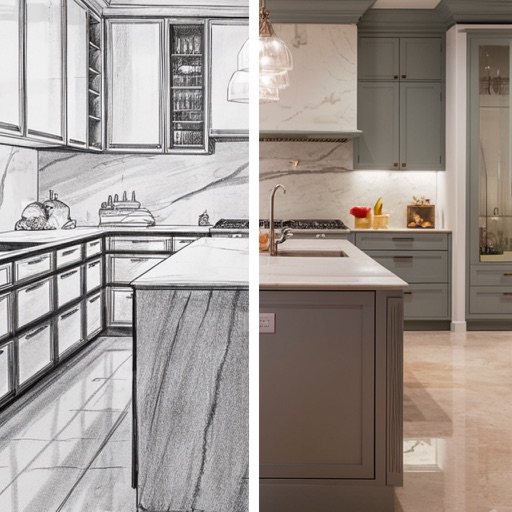
Transform spaces by snapping photos and using AI to redesign kitchens and rooms. Adjust layouts, colors, and materials with intuitive tools. Preview changes in real-time and save or share concepts.
Create 2D and 3D plans using LiDAR scanning to detect walls, windows, and doors. Edit layouts in 2D or 3D views. Preview plans in AR to check scale and placement.
Create AI-generated designs for any room and style. Visualize spaces with realistic renderings. Explore different aesthetics and customize details. Generate designs with simple room and style inputs. Save and share concepts.
Capture images to generate AI-powered design concepts. Adjust colors, layouts, and furniture placements. Preview changes in real-time and save or share design ideas.