Securely store and manage private notes with encryption and passcode protection. Set custom access permissions for specific notes. Lock notes individually and receive alerts for unauthorized access attempts.
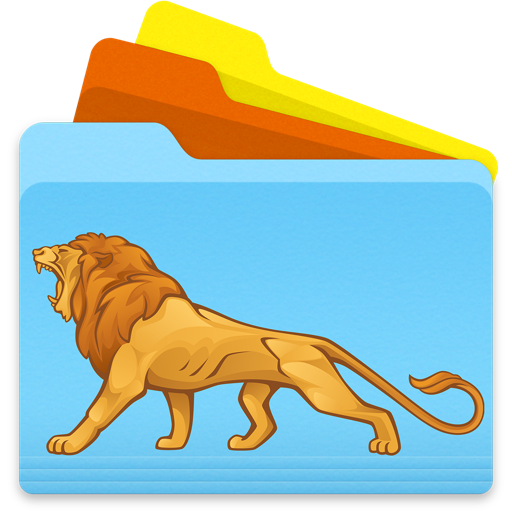
The app changes folder icon designs to help users organize their Mac. Users can match folders by color, text, or picture, enhancing their working environment and productivity.
The app allows users to change folder icon designs by adding pictures, text, or color effects. Users can customize icons to match folders by color, text, or picture, enhancing organization and visibility on a Mac.
Create and organize notes with text, photos, voice recordings, and drawings. Add diary entries with weather, feelings, or maps. Manage schedules and to-do lists. Sync notes across devices. Share notes via email or cloud services.
Access and manage files in secure cloud storage. View and edit documents, PDFs, and spreadsheets. Watch videos, read ebooks, and browse photo albums. Play music and control slideshows. Sync with AirPlay devices. Create and view to-do lists.
Design logos and icons quickly with customizable templates and color options. Choose from a gallery of pre-designed elements. Adjust styles, add text, and export in various formats.
Extracts files from archives like zip, rar, 7z, and more. Users can browse and view contents, open archives via the or share sheet, and extract individual files or folders. Supports password-protected and multi-volume archives.
Save and organize links using tags and folders for easy access. public or private collections to share with others. Curate articles, videos, and tools in structured folders. Export links for offline use and manage access permissions.
Organize files by dragging folders into the . Create sub-folders within existing folders to categorize files. Move, rename, and delete files directly within the interface.
The app allows users to create personalized folder icons for macOS. Users can customize folders with PNG images, text, or artwork, applying new icons by dragging them onto folders.
Create and organize unlimited and lists. Add text, bullet points, and checkmarks. Customize fonts, colors, and themes. Share via email or cloud services. Sync across devices for seamless access. Set reminders and prioritize tasks with to-do lists.