Apps Like AI Background Eraser, Changer for iPhone and iPad
Edit photos and replace backgrounds
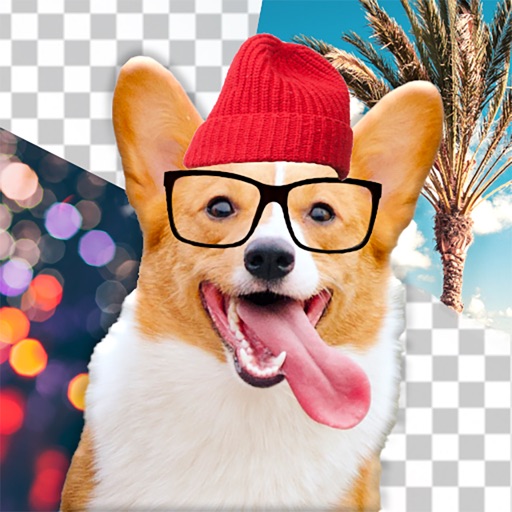
Remove backgrounds from photos using AI technology. Replace backgrounds with photos from the library, captured images, or selected colors. Adjust settings for precise edits. Export edited images directly.
by Yajing Qian★ 4.413 ratingsPhoto & VideoFreeData updated 2026-09-06
Edit videos with trimming, splitting, and cutting tools. Add transitions, text, and stickers. Apply filters and effects. Export in high quality. Share directly to social media platforms.
Edit photos and videos with hairline matting for precise background removal. Erase unwanted people from images. Apply artistic filters and templates. Create greeting cards, memes, and ID photos. Export edited content in various formats.
Senfoni Yazilim Hizmetleri Sanayi Ve Ticaret Limited Sirketi
Edit photos, add text, create collages
Edit photos with filters, cropping, and adjustment tools. Add text and graphics from a large selection. Create collages and designs with editing options. Export in multiple formats and share directly.
Backgrounds from photos using AI-powered detection. Edit portraits with specialized people recognition. backgrounds from product images with precise edge detection. Export edited images in high quality.
Photos by tapping to automatically backgrounds or specific objects using AI. Select images from the library or camera. Adjust intensity and apply effects to hide unwanted details. Export edited photos directly.
Create animated live photos and moving backgrounds with motion effects. Add animations to static images. Edit videos with transition effects and background motion. Share finished animations directly from the .
Edit dog photos with background changer, stickers, and wallpapers. Add text and voiceovers. Share edited images. Create custom puppy templates. Upload and modify dog photos for personal use.
Remove unwanted backgrounds or objects from photos. Edit images to make backgrounds transparent. Add custom backgrounds for improved visuals. Erase specific areas for enhanced photo quality. Save and share edited images directly.
Edit photos with eye and pupil templates. Adjust eye size and remove red eye. Experiment with contact lens effects. Automatically detect eye position. Change and fix eye lenses. Save and share edited images.
Backgrounds from photos using AI. Upload images from Camera Roll, tap to automatically. Export edited images or add animated backgrounds for social media and e-commerce platforms.
Edit photos by selecting, cutting, copying, and pasting elements like faces or objects. Automatically remove backgrounds and add text overlays. Apply effects, save edits, and share photos directly.
Remove backgrounds from images using AI in 5 seconds. Generate custom backgrounds based on descriptions. Save as transparent or choose from templates. Adjust details for precision.
Remove unwanted elements from photos such as people, acne, buildings, lines, and backgrounds. Edit images by selecting and deleting specific objects. Export edited photos in standard formats.
Edit backgrounds, remove objects, generate new ones
Generate realistic backgrounds by describing scenes and selecting orientation. Remove or replace existing backgrounds in photos. Edit product shots with AI-powered changes. Export edited images in high quality.
Edit photos by selecting from gallery or camera. Cut out the main subject with tools. Replace the using gallery images or built-in options. Save and share the edited .