Apps Like AI Background Eraser, Changer for iPhone and iPad
Edit photos and replace backgrounds
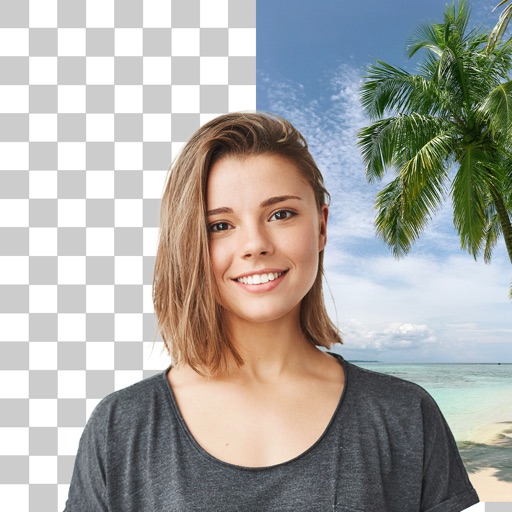
Remove backgrounds from photos using AI technology. Replace backgrounds with photos from the library, captured images, or selected colors. Adjust settings for precise edits. Export edited images directly.
by Yajing Qian★ 4.413 ratingsPhoto & VideoFreeData updated 2026-09-06
Edit photos with AI-generated portraits and enhancement tools. Remove objects, people, or blemishes from images. Reshape body features using a realistic body . Adjust clarity and sharpness to improve low-quality photos.
Edit photos with cropping, filters, and adjustments. Remove unwanted objects or people using the Magic tool. Replace backgrounds to create montages. Create collages with pre-designed templates. Export edited photos in multiple formats.
Adjust and resize to fit iOS 7 wallpapers and screens. Zoom, scale, and images for custom backgrounds. Preview modified wallpapers directly within the .
Edit photos with cartoon-style anime filters and portrait transformations. Colorize black-and-white images using AI. Remove or replace backgrounds with one tap. Enhance skin tone and texture with AI-powered retouching.
Apply to photos with adjustable strength and shape options. Add 50+ filters and crop images. Use double exposure feature. Edit smoothness and export edited photos.
Remove image backgrounds using AI for transparent effects. Edit photos by cutting specific areas manually. Add new backgrounds, text, and stickers. Create profile pictures with customizable options.
Create collages, stories, and posts from photos with 1000+ layouts and themed templates. Remix up to 20 images with editing tools. Apply filters, remove backgrounds, and add cutouts. Share directly to social media or save as files.
Remove backgrounds from photos using AI to detect and isolate objects. Change backgrounds with gradient options or custom colors. Save edited images to the photo library and share them on social media.
Edit photos with eye detection tools. Change eye and lens style. Adjust pupil size and shape. Remove red eye and whiten eyes. Add sparkle effects and rotate them. Morph face shape for enhanced edits. Export edited images directly.
Blur image backgrounds to create effects. Select photos from gallery or capture new images. Apply multiple blurring tools to adjust blur intensity. Export edited photos to device storage.
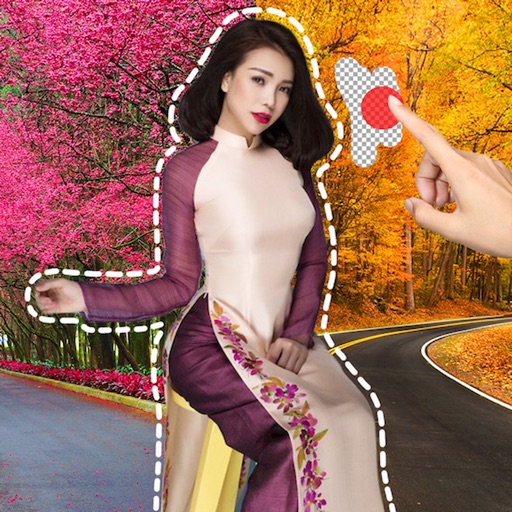
Remove backgrounds or objects using AI by adding a and tapping "remove." Adjust the new background to a custom color, white, another image, a gradient, or a preset. Add text, shapes, and photos to the edited image.
Custom stickers from photos and videos. Add text, emojis, and effects. Share stickers directly to messaging apps and social media. Edit size and position. Save and organize created stickers.
Edit photos with text effects and auto background changes. Add customizable signs and text. Adjust brightness and contrast. Save and share edited images directly.
Remove unwanted objects, people, or imions from photos using AI-powered editing. Describe the elements to remove with natural language prompts. Edit images with precise object removal, adjust colors, and enhance details.
Remove people from photos using AI-powered editing. Select and erase unwanted individuals or backgrounds. Adjust and refine the result for natural appearances. Save and share edited images directly.
Create professional-quality designs using customizable templates. Add vivid colors, fonts, and effects. Import premium stock media. Use AI to generate images. Export designs for e-commerce and purposes.
Turn photos into cartoons with AI-powered filters. Apply effects, add toon backgrounds, and combine drip effects. Edit layouts and create anime-style avatars. Share edited images on social media platforms like Instagram, Facebook, and TikTok.