Resize images with precise control over dimensions and quality. Adjust DPI for print or digital use. Batch process multiple files at once. Rotate images for correct orientation or creative angles. Export in various formats.
by Viet Ho Duc★ 4.791 ratingsGraphics & Design$2.99Data updated 2026-10-23
Expand photos to any aspect ratio without borders or cropping. Adjust images for social media or design projects. Maintain natural quality during resizing. Outpaint and uncrop photos effortlessly.
Convert images to for easier sharing via Airdrop. Adjust quality and compression settings. Export converted files to photo albums or cloud storage. Support for batch conversion and manual file selection.
The app allows users to resize, watermark, crop, transform, and export photos in batches. It supports various export formats and viewing options, including metadata persistence and DPI settings.
Edit photos by flipping or mirroring with a finger swipe. Resize images using the same gesture. Create mirrored copies next to original photos. Save and share edited images directly.
Videos to reduce file size and save storage space. Adjust resolution and bitrate settings. Export compressed videos in various formats. Share directly to social media or messaging apps.
Edit photos with filters, cropping, and adjustment tools. Add stickers, vector elements, and custom fonts. Create and customize grids for Instagram. Share directly from the .
Edit images with filters, cropping, and adjustment tools. Resize images by setting width and height. Export multiple images as a single PDF file. Add text and stickers to photos. Save and share edited images directly.
Backgrounds from photos with precision, save images with transparent backgrounds, or replace them with custom ones. Edit photos by adding filters, drawing, inserting text, and applying stickers to create professional images and social media content.
Convert photos between JPG, PNG, HEIC, and PDF formats without quality loss. Select and add multiple images from various sources. Adjust compression settings and save or share converted files.
Upscale photos by 2×, 4×, or 8× using AI. Repair low-resolution images, retouch faces, and apply advanced enhancements. Supports macOS Tahoe 26 and works efficiently on M1/M2/M3/M4 chips. Export enhanced images directly.
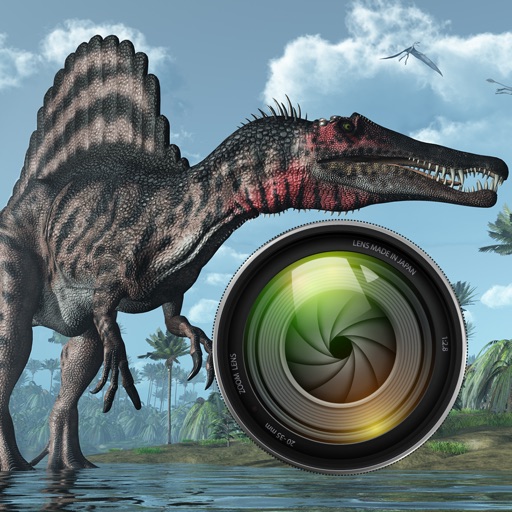
Add dinosaurs to photos with tap-to-place features. Choose from over 60 species including Tyrannosaurus, Pteranodon, and Stegosaurus. Adjust positioning and scale. Export edited images directly.