Resize images with precise control over dimensions and quality. Adjust DPI for print or digital use. Batch process multiple files at once. Rotate images for correct orientation or creative angles. Export in various formats.
by Viet Ho Duc★ 4.791 ratingsGraphics & Design$2.99Data updated 2026-10-23
Compress images to reduce file size and save storage space. Convert between JPG, PNG, WEBP, GIF, and JPEG formats. Resize images automatically. Optimize photos for faster phone performance and lower storage usage.
Create posters, banners, flyers, and cards with customizable sizes and one-click scaling. Choose from backgrounds, textures, effects, 500+ fonts, and 1000+ stickers. Export and share directly.
Resize and optimize photos to reduce file size by 80% to 20% while maintaining original resolution and quality. Support PNG, JPG, and GIF formats. Save space and share high-resolution images.
Create logos using AI-powered tools and pre-designed templates. Choose from thousands of templates. Customize colors, fonts, and layouts. Export in various formats. Share directly or download for use.
View image such as measurements, DPI, file size, location data, and device information. Import images via drag and drop from Photos, Files, or Safari. Display in a card-based layout for easy reference.
Compress and images to reduce file size. Batch process multiple photos for efficient storage optimization. Adjust dimensions and quality settings. Export compressed images directly to library or share via social media.
Resize videos to exact dimensions with precise control. Adjust scale to 50%, 25%, or custom widths. Maintain aspect ratio automatically. Support up to 8K resolution. Crop and pad videos for design comps or client deliverables.
Download and set high-resolution with ultra-fine detail. Access weekly updates featuring 10 new per pack. Customize home screens and lock screens. Share via email or social media.
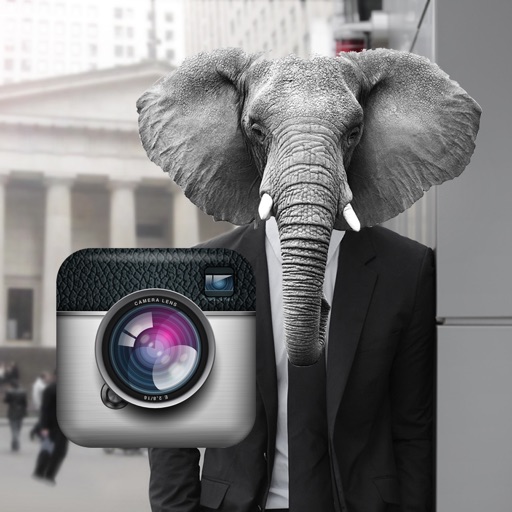
Edit photos by adding faces such as tiger, lion, bear, and giraffe. Choose from over 60 faces and objects like dinosaur and fish. Apply faces with a few taps and share edited photos directly.
Create print-ready labels, stickers, and cards using customizable templates or from scratch. Choose from round, square, or rectangle layouts. Drag, drop, resize, and rotate design elements. Add text, shapes, and images.
Image extraction automatically isolates characters from white backgrounds. Transparency tool removes unwanted backgrounds with a single tap. Auto resizing adjusts images to main, tab, and sizes.