The app provides over 30 touch effects, including a Hall of Mirrors for face morphing and kaleidoscopic patterns. Users can navigate through infinity tunnels and galaxy pathways that react to touch.
by Sensory App House Ltd★ 2.97 ratingsEducationFreeData updated 2026-10-14
The app provides twenty-four scenes with continuous sounds that change pitch or intensity based on finger movement. It features colorful abstract animations and customizable color palettes, including high contrast options.
Find words in picture-based crosswords. Switch between multiple languages and retain progress. Play in landscape or portrait mode. View beautiful graphics and visual effects.
Create music by using nine animals as instruments. Set up drum loops, swipe to change instruments, compose melodies, adjust loop speeds, and add effects. Animations respond to user actions and enhance the musical experience.
Learn vocabulary through space-themed gameplay and interactive flashcards. Practice words with text, audio, and visual icons. Explore categories like numbers and daily topics. Test knowledge with quizzes and track progress over time.
Learn touch through interactive lessons that teach keyboard keys progressively. Type to control speed and accuracy, with rewards for correct input. Use virtual or Bluetooth keyboard for gameplay.
Manage attendance, track billing, and share updates
Parent Communication allows real-time messaging and notifications between educators and families. can view child attendance, receive updates on daily activities, and access photos and videos.
Simulate landings with realistic flight dynamics and detailed graphics. Adjust controls to manage approach and landing. Receive feedback on performance with analysis and scoring. Save and review landing attempts.
The app features two maps, "Jack-in-the-Box" with puzzles and "Casual Drive" with endless roads. Users can drive 11 car models, including emergency vehicles and a garbage truck, using joystick or touch controls.
Learn through interactive games with three difficulty levels: Easy, Medium, and Hard. Drag and drop colorful buttons to arrange letters correctly. Earn dragons as rewards. Track progress and practice of varying complexity.
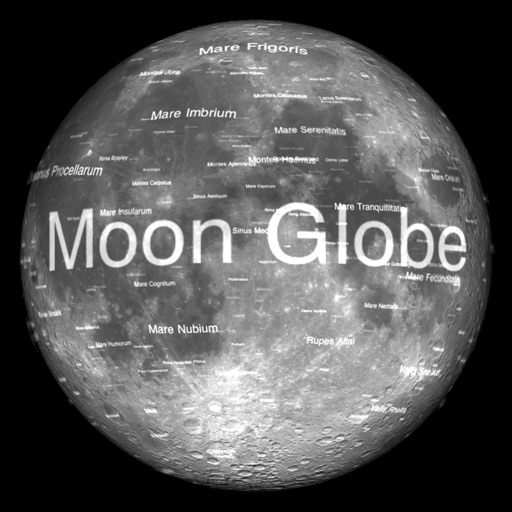
The app renders the Moon in realtime 3D using satellite imagery and topographic data. Users can manipulate the view, adjust sunlight, and see labeled terrain features and spacecraft.
Sort tiles into secret categories by selecting four and pressing 'Enter' to check. Continue until all categories are found. Deselect tiles with 'Clear' and shuffle the board with 'Shuffle'. Categories vary in difficulty from easy to hard.
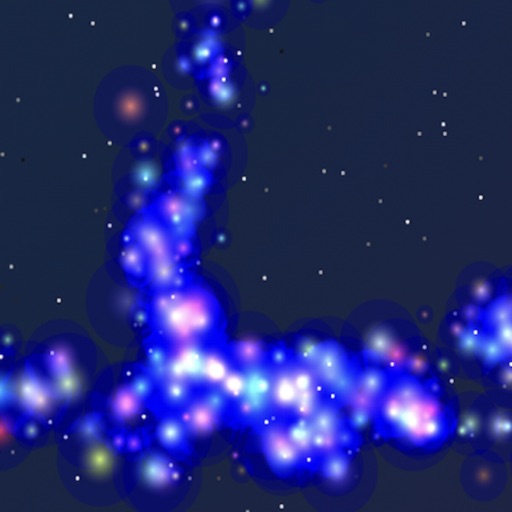
Allows users to interact with a galaxy by touching and moving their finger, causing stars to follow. Stars can be moved manually or controlled via external keyboard, Bluetooth switches, or adaptive devices.
Learn letters through interactive games that combine sight, sound, and touch. Tap letters to hear sounds and see animations. Add custom voice recordings for personalized learning. Include personal items for familiar context.