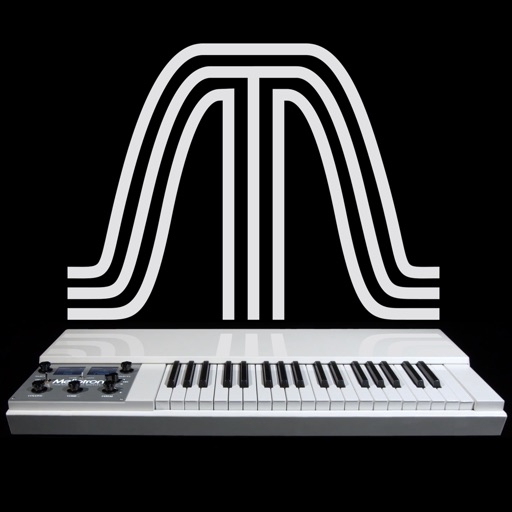
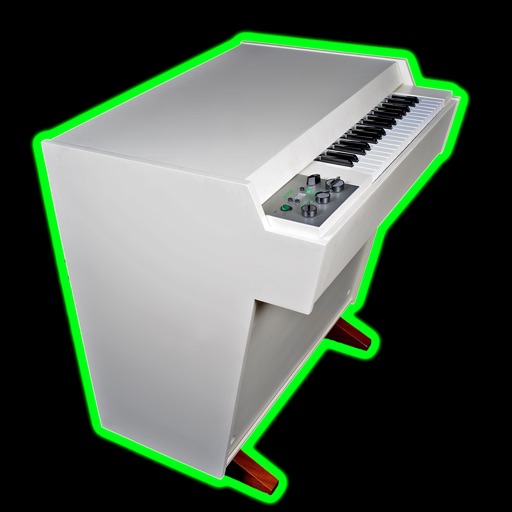
The app reproduces the sounds of the original Mellotron. It features six sounds from the original library, allowing keyboardists to play real instrument sounds.
by Markus Resch★ 4.54 ratingsMusic$1.99Data updated 2026-11-06
Tuner+ provides reference pitches for tuning instruments like guitar, bass, banjo, mandolin, cello, violin, piano, viola, and ukulele. It offers real audio and sine wave tones. Supports VoiceOver accessibility for users with visual impairments.
Create and customize analog-style sounds with up to 8 voices. Adjust oscillators, sub-oscillator, and noise source. Use AUv3 for integration with DAWs. Design patches with classic synth parameters.
The app helps users learn to sight-read sheet music with configurable flash card exercises. Users can identify notes by sight or sound, with support for various clefs and key signatures.
Allows users to create and manipulate multiple independent musical voices. Features include pitch adjustment, temperament control, and multi-touch performance. Users can access additional instruments via in- purchases.
Create progressions and loop them in sync with other apps. Trigger chords via MIDI footswitch. Explore music theory and harmonies. Save and share progressions. Sync with Apple Health.
Create deep, customizable sounds with adjustable waveform and filter settings. Use as a standalone or plugin. Run multiple instances for layered sound design. Adjust sub- frequency and resonance for precise tone control.
The app allows users to create music by layering looped recordings of singing, beatboxing, or instruments. It provides a sophisticated interface with powerful features for both beginners and experienced users.
The app provides a quick and easy way to create beats using inbuilt or imported sounds. Its pattern editor sequencer allows for simple drag-and-drop rhythm tweaking.
Create patterns using rhythm presets or custom sequences. Adjust timing and velocity parameters. Emulate vintage 808 hardware with AU3 Audio Unit support. Control tempo and playback options. Save and load user-defined kits.
Create and play music with a professional sound library. Connect to MIDI keyboards for performance. Record and export audio files. Access high-quality piano and keyboard sounds. Adjust effects and settings for custom sound shaping.
Practice with and backing tracks for various instruments and skill levels. Play-along with professional recordings. Receive curated recommendations based on instrument and level.
Learn music theory through interactive gameplay. Select an instrument, key signature, scale, and note range. Play notes on the staff to destroy them before they harm your clef. Notes increase in speed with each correct answer.
Explore musical instruments like , xylophone, and flute through interactive . Tap keys to play notes, complete melodies, and earn rewards. Learn basic concepts through play and repetition. Share progress with parents via in- reports.
Create and manipulate music using virtual tape loops. Load and play 90 preloaded tapes, including 65 from Streetly's Production Masters. Adjust pitch, tempo, and effects. Export audio files and share directly.
Record and organize clips, create and manage mixtapes. Edit with trimming, effects, and tempo control. Share song ideas directly or export files in multiple formats. Collaborate with others in real time.
Record and playback audio with -like saturation and noise characteristics. Adjust noise hiss, speed, and echo effects in real time. Apply filters and modulation effects to incoming audio signals.