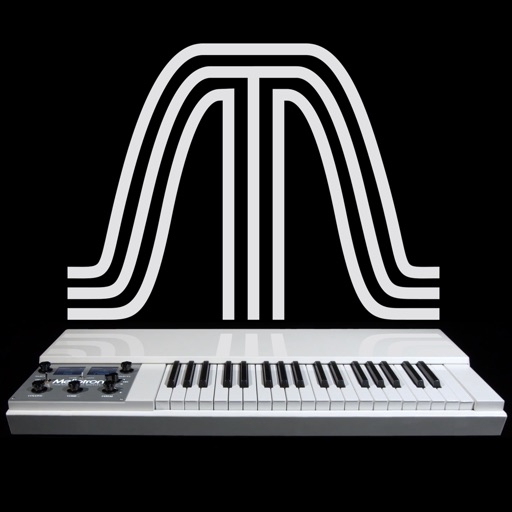
The app reproduces the sounds of the original Mellotron. It features six sounds from the original library, allowing keyboardists to play real instrument sounds.
by Markus Resch★ 4.54 ratingsMusic$1.99Data updated 2026-11-06
Connect with actors for auditions, self-tapes, and classes. Review resumes, skills, and ratings. Swipe to select candidates, add job details, and schedule in-person meetings or self-tapes. Change locations to expand reach.
Adjust audio frequencies with linear shifting and stereo delay feedback. Apply high and low pass filters. Modulate delay with LFO. Control via MIDI CC.
Create and customize sounds using FM synthesis technology. Adjust parameters to shape tones and effects. Play back and record synthesized music. Export audio files for use in other applications.
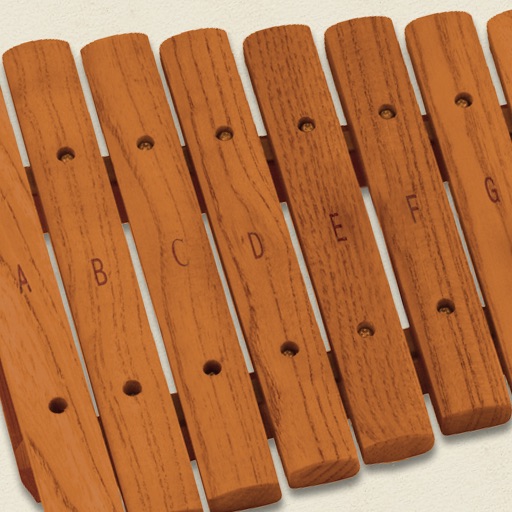
The app simulates a marimba, a percussion instrument with wooden keys arranged like a piano. It produces musical tones when struck with mallets, offering a chromatic layout for performers.
Create music with 7 Cubes offering customizable session settings. Use an interactive loop-machine for rhythmic patterns. Access 7 instruments with sequenced note input and effects.
Play and record string sounds using MIDI keyboard or DAW integration. Adjust tuning, velocity, and articulation settings. Export audio files and share directly. Supports Bluetooth MIDI and USB connections.
Create and edit musical scores with tablature and notation tools. Add chord diagrams and guitar effects. Play back compositions and share files. Supports stringed instruments like guitar and bass.
Create and sequence music using 4 sound channels with 3 tone channels and 1 for drums and noise. Adjust audio parameters like pan, amplitude envelope, vibrato, and pitch glide. Add ring modulation, FM synthesis, and a resonant filter.
Create and customize rhythms with preprogrammed patterns or original grooves. Combine rhythms in Song Mode or use Live Pads for real-time performance with 8 assignable pads and MIDI controls. Sync with other apps via Ableton Link.
Create and customize sounds using waveforms or microphone input. Adjust filters and settings to modify audio. Use pre-designed sounds or build original ones. Save and share custom sound designs.
Play using a full 88-key keyboard. Adjust key size for better visibility. Choose from a sampled or 128 MIDI instruments. Zoom in and out for precise control. No subscription required. Optimized for iPhone and iPad.
Allows users to manipulate audio at the bit level. Users can mute or invert individual bits, create distortions, and rearrange bit order. It introduces harmonics and offers advanced sound shaping features.
Play using fretless fingerstyle techniques. Adjust tone with finger pressure on the screen. Access layered sound samples for each note. Practice scales and chords with on-screen notation. Record and replay performances.