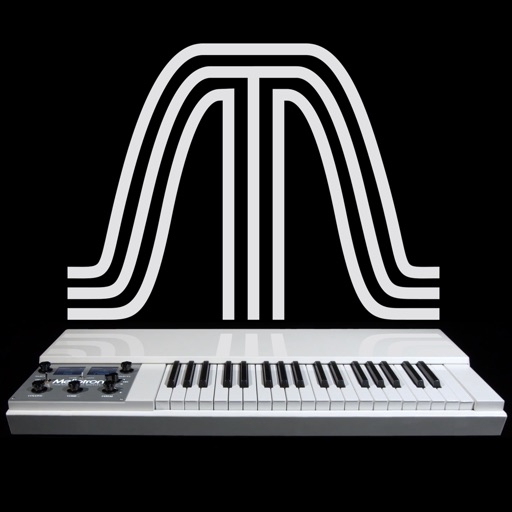
The app reproduces the sounds of the original Mellotron. It features six sounds from the original library, allowing keyboardists to play real instrument sounds.
by Markus Resch★ 4.54 ratingsMusic$1.99Data updated 2026-11-06
Play with an 88-key and 7 octaves. Choose from 5 instruments and adjust sound settings. Resize keys and save custom configurations. Practice lessons or play live. Export music recordings.
Create and play music using virtual pads that respond to finger movements. Play polyphonic melodies and percussive rhythms. Explore expressive sounds and create soundscapes. Adjust volume and tone settings. Share compositions directly.
Create and manipulate effects using a step sequencer interface. Adjust tape simulation settings including compression, saturation, hiss, head bias, and wow/flutter. Export audio files and apply effects during recording or playback.
Allows users to apply reverberation effects with adjustable parameters. It supports Audiobus and Inter- Audio as both sender and effect. Users can create evolving reverberations, granular disintegration, and smooth resonances.
Allows users to listen to long tone recordings from professional musicians. It provides visual feedback showing the user's position within a chord. Users can adjust their pitch to match the sound.
Create and manipulate sounds using additive synthesis. Adjust sine wave parameters to shape timbres. Layer multiple partials to build complex tones. Save and export custom sound designs. Import and export audio files for further processing.
Create and play original sounds using a mono-synth with analogue sound quality and intuitive controls. Design basses, leads, arpeggios, and sound effects. Export and share presets. Sync with desktop, iPhone, or iPad.
Synthesized electronic drum loops that sound alive.
The app creates synthesized electronic drum loops with eight voices and a step sequencer. It offers a randomizer for instant sound mutation and snapshots for sound exploration.
Create and manipulate audio using synthesis. Import WAV files, record audio, or live-process sound. Adjust parameters for texture, pitch, and timing. Export and share custom audio creations.
Connect your Techno or neo to play music. Choose from various instrument sounds and built-in rhythms. Adjust settings to customize sound. Access controls through a simple, intuitive interface. Jam along with pre-set beats or create custom tracks.
Create and arrange melodies, bass lines, and drum beats by moving dots on the screen. Switch chords and patterns instantly. Apply delay and reverb effects to instruments. Tap or drag to build sequences. Sync with AirPlay for playback.
The app provides a real-time reverb audio effect with a 32-bit DSP engine. It allows users to adjust numerous parameters for diverse sounds and includes built-in resonant filters.
Create and edit patterns using groove presets or custom beats. Play along with favorite songs via InterApp, Audiobus, Core MIDI, and clock MIDI. Share patterns through iTunes file sharing or Audio Copy.
Select chords with a single touch. Tap the key button and slide to choose chord types. Play any common chord instantly without presets. Connect to MIDI devices for real-time control. Adjust chord voicings and transpose on the fly.