Apps Like Thomale Guide Application for iPhone and iPad
Neurosurgical aid for ventricular catheter placement
The app functions as a medical device when used with the Thomale Guide for neurosurgical placement of a ventricular catheter. It calculates the entrance angle, catheter length, and distance to the median line using CT or MRT scans.
by Christoph Miethke GmbH & Co. KG★ 0.00 ratingsMedicalFreeData updated 2026-10-14
Use AR to create accurate templates for hip and knee implants within one size. Select from a library of major implants. Share templates with colleagues or save for future use. Measure anatomical landmarks directly on the patient.
Learn about intra-coronary optical coherence tomography with interactive lessons and visual guides. Analyze OCT images, identify plaque characteristics, and evaluate stent placement.
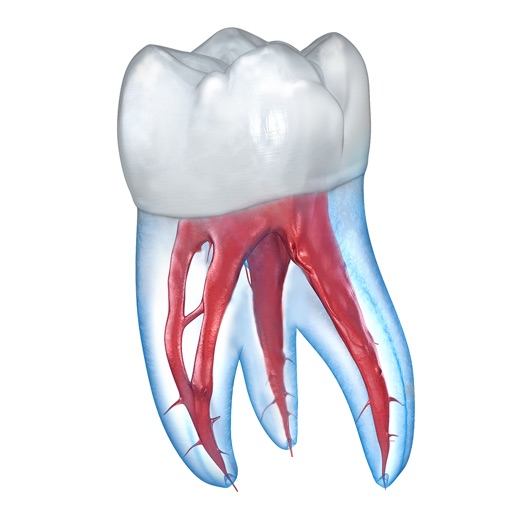
The app displays dental implant planning received from the desktop version. Users can present treatment plans to patients and check planning while traveling.
Track with a weekly calendar and due date calculator. Monitor weight and calculate calories. Log kicks and steps. Access a guide, diary, and name list. View bump gallery and BMI calculations.
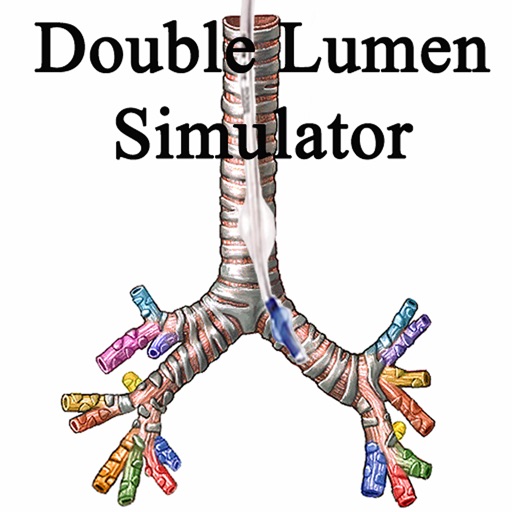
The app offers a simulator for double lumen endotracheal tube placement. It provides real bronchoscopy video images and allows users to practice DLT and bronchial blocker positioning without time constraints.
Learn to manage with interactive training modules and scenario simulations. Access detailed guidelines, check symptoms, and practice emergency response steps. Track progress and review educational content for self-study.
Access clinical guidelines for conditions. Review treatment protocols and management steps. Identify key diagnostic features and treatment priorities. View updated therapies and clinical tips from medical professionals.
Provides detailed explanations of heart surgeries using medical animations. Allows users to view step-by-step procedures, anatomical structures, and techniques. Includes interactive elements for better understanding.
The app offers 17 tools for adjusting image quality, including noise reduction and sharpening. Users can compare before and after images by long pressing.