The app allows users to draw on a chalkboard with finger-controlled chalk. It includes four chalk colors, an eraser, adjustable line width, and options to clear the board or save artwork.
Create animated and non-animated stickers. Draw custom designs directly within the . Share stickers across apps like Telegram, Snapchat, and WhatsApp. Edit properties such as size and color. Save and manage created stickers in the library.
Create and edit photo and video content with scroll-stopping filters and effects. Use award-winning templates and design tools in the Studio. Share content directly to social platforms. Monetize social presence through integrated features.
The app allows users to sketch ideas and take notes using their fingers. Users can save drawings to their device's camera roll or share them via social networks and other image-handling applications.
, paint, and doodle on a digital whiteboard. Share artwork with friends. Use stickers, brushes, and shapes to enhance creations. Add text and export drawings in multiple formats.
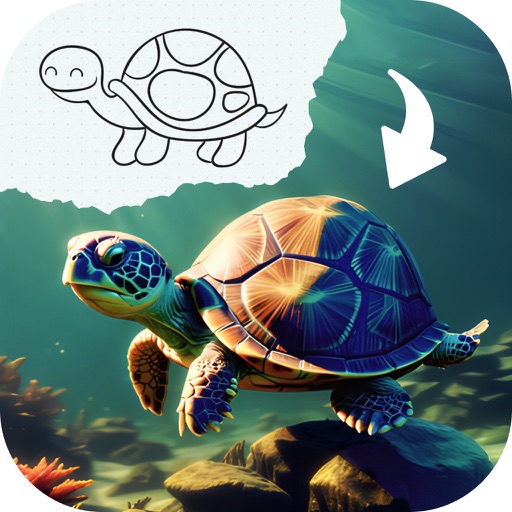
Edit photos with advanced filters, cropping, and adjustment tools. Create digital art using AI image generation and text-based ideas. Enhance images with AI-powered tools and export in multiple formats. Share edited photos directly from the .
Enable voice and video calls with family and friends. Send instant messages with end-to-end encryption. Access a doodle board for drawing. Edit text messages. View educational videos. Set parental controls to approve contacts and monitor activity.
Sketch and create drawings using brush tools with customizable color palettes. Add stickers, doodles, and charms to enhance artwork. Export and share finished creations in multiple formats.
Create symmetric kaleidoscope patterns, mosaics, and fractals. Customize colors, shapes, and brushes. Use free-form zooming and add stickers. Adjust settings for unique designs. Save and share artwork.