Apps Like Reverse Coloring Book for iPhone and iPad
Draw lines, color freely, create art
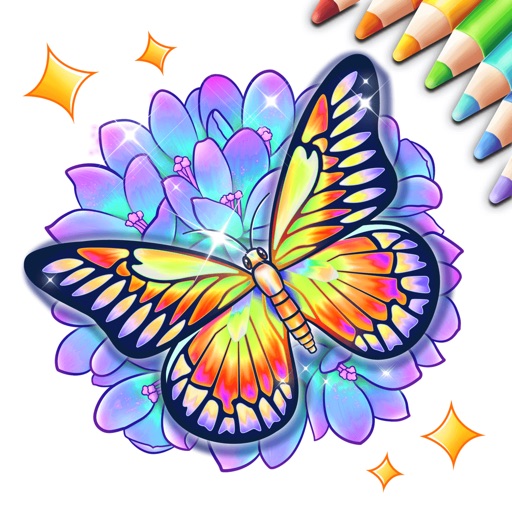
Create and customize artwork by drawing lines on unfinished watercolor illustrations. Adjust colors, add textures, and save or share finished pieces. Access a library of 50+ designs for creative exploration.
by CRAFTDEV★ 4.761 ratingsGraphics & DesignFreeData updated 2026-09-06
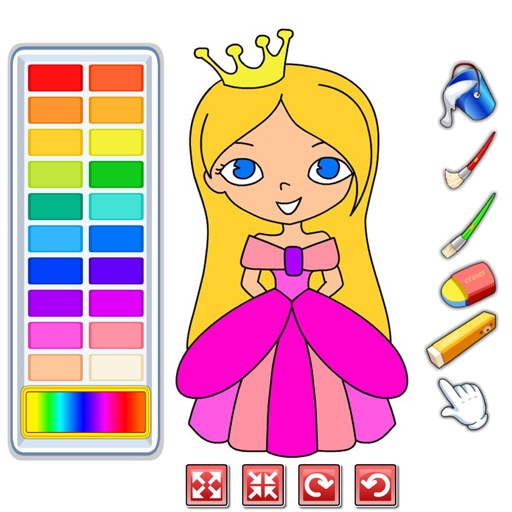
Choose from a variety of images to color. Select and apply multiple colors and tools to customize designs. Save and share completed artwork. Adjust brush size and opacity for detailed work.
The app offers a collection of coloring books for children. Finished artwork can be saved to the photo album, and pages can be printed with decorative frames.
Create drawings using realistic crayon and marker pen tools. Listen to drawing sounds. Navigate with an intuitive interface. Access eight free coloring pages for practice. Explore related drawing apps for different mediums.
Color by number game allows users to select and fill numbered sections with colors. Complete puzzles by matching numbers to colors. Choose from various themed images. Save progress and share completed artwork.
Allows users to paint and the Family using rainbow brushes and glitter pencils. Includes 200+ pages with themes like animals, cars, and dinosaurs. Features mandala drawing games and interactive activities.
Learn to draw with -by- tutorials and AI guidance. Use your phone's camera as a projector to trace and practice. Access drawing lessons for all skill levels, from beginner to advanced.
The app simulates watercolor blending and spreading behaviors using fluid simulation technology. It supports techniques like wet-in-wet, wet-in-dry, dry brush, and dry on wet, along with pencil sketching.
Create custom dolls by collecting and customizing dresses. Choose colors and styles for each outfit. Save and share finished designs. Adjust details like accessories and hairstyles.
Create art with hand-drawn illustrations by Olivia De Bona. Choose from 50+ exclusive designs. Use tools to , sketch, and customize images. Save and share completed artwork. Adjust brush size and opacity for detailed work.