Create sketches from photos or camera captures with "," "Doodle," and "Hatch" styles. Adjust colors for black-white or vibrant results. Save images with a single tap. Share generated sketches directly.
Create detailed artwork with realistic brushes and watercolor effects. Scale canvas up to 64 times with precise grid and pixel-level accuracy. Use over 80 brushes, erasers, smearing tools, rulers, cutters, fill tools, and color pickers.
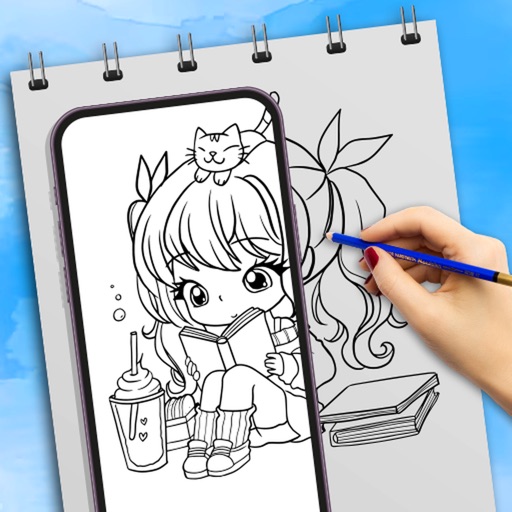
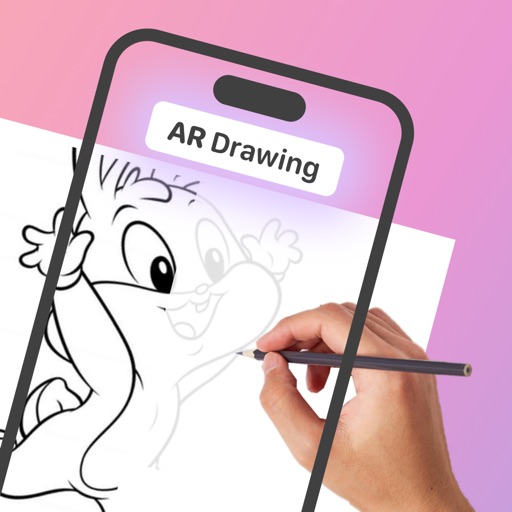
Use camera to draw and paint in augmented reality. Access tracing templates for animals, cars, nature, food, anime, and more. Adjust brush size and color. Save and share artwork directly.
Visualize exterior wall colors by taking a photo and selecting a shade. Apply the to the entire wall with a single tap. Explore a wide palette to find the match. Preview how the chosen appears on the building.
Allows users to take with realistic pen strokes using PencilKit technology. It supports various file formats and attachments. Users can create and organize digital , annotate documents, and sync across devices.
AI-powered editing transforms photos into cartoon art, watercolor paintings, or other creative styles. Users can apply filters, adjust colors, and add effects. Export edited images in various formats and share directly.
Apply filters to photos from the gallery or during capture. Choose from twelve unique styles including cartoon, sketch, and paint effects. Edit images with artistic filters and save or share the modified photos.
Create image compositions with layers, shapes, and text. Edit photos with touch-up tools and painting features. Add filters and adjustments. Export in various formats and share directly.
Create paintings using emojis. Select from over 1600 emojis. Adjust size and other settings. Zoom in and out for precision. Works on iPhone, iPod Touch, and iPad.
Create art with drawing and painting tools including Standard Brush, Eraser, Serpentine Brush, Pulse Brush, and Confetti Brush. Adjust stroke properties based on Apple Pencil pressure and tilt.
Choose colors and visualize them in your space using AI technology. Upload photos of rooms to see options in real-time. Adjust lighting and surfaces to match desired aesthetics. Save and compare palettes for interior and exterior designs.
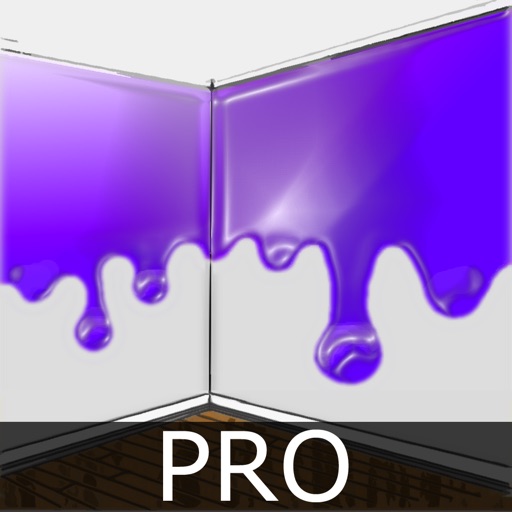
The app allows users to virtually paint walls on a photo using their finger. Users can experiment with different colors to see how they fit with interior design before actual painting.
Test colors on walls using photos or palette selections. Apply color to home images for visual preview. Adjust color tones and brightness. Save and compare color options before purchasing .