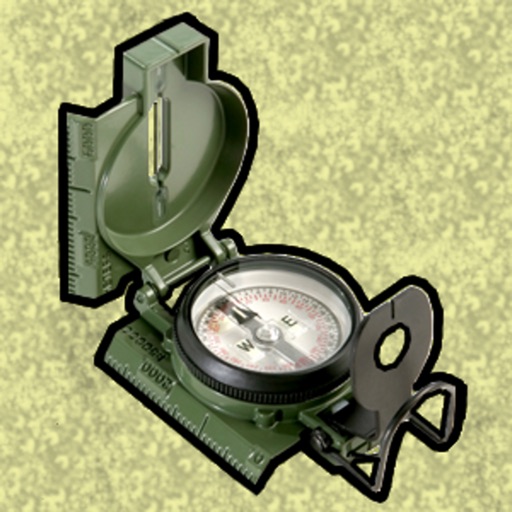
Enter MGRS or coordinate data to navigate to specific points. Adjust pace count and track deviations. View distance, speed, and angle settings in meters/km or feet/miles. Analyze movement patterns for navigation improvement.
Displays daily activity data from Apple Health as customizable on the home screen. Users can track walking and running distances, set personal s, and view progress over different time periods.
Calculate using intuitive sliders. Input distance and time to determine . View estimated finishing times for different run lengths. Track progress with visual feedback.
Monitor with a Heads-Up Display projected onto the windshield. Track real-time and historic data. Set limits and receive alerts. Adjust HUD settings for visibility. Export logs for review.
The app provides continuous audible monitoring of the user's current speed. It tracks speed using the iPhone's GPS and plays associated sound effects when the user enters defined speed ranges, changing the screen color accordingly.
Display speed, heading, and trip data using GPS. Choose between mph, km/h, and kts units. Show current and next 24-hour weather based on location. Track altitude, odometer, and drive details.
Track workouts with a high-visibility stopwatch. Use count up or count down timers for "for time" or AMRAP sessions. Set intervals for EMOM or HIIT workouts with high/low timing. Include Tabata mode. Adjust clock size.
Navigate with real-time turn-by-turn directions, live traffic updates, and route optimization using Apple Maps or Google Maps. Switch between full-screen and split-view modes. Stream music from Apple Music or Spotify with a Now Playing widget.