Pages allows users to select from 300+ pages and add stickers or special effects. Mystery paint feature lets users create unique drawings. Save and load progress. Share drawings via preferred platform. Create custom drawings or wallpapers.
Can color and draw on various images. Choose from multiple templates and customize with colors. Save creations and share them with others. Learn basic art techniques through interactive activities.
Solve puzzles by assembling pieces into a drawing. Watch the painting animate as it completes. Choose from themed puzzles with detailed artwork. Customize colors and brush styles. Save progress and revisit puzzles later.
Allows children to draw freely with various brushes. They can save and revisit previous drawings. The supports drawing on iPhone, iPad, and iPod Touch.
Children can color and draw with themed pages to develop fine motor skills. The includes drawing lessons, interactive characters, and sound effects. Users can switch between themed packs and save progress.
Coloring pages allow toddlers to draw and color in various themes. Pages include animals, dinosaurs, dolls, and more. Features include hand-eye coordination exercises, color recognition activities, and creative tools.
The app offers a digital coloring experience with over 120 free animal pictures. It features a stay-in-line brush, nine brushes for painting and drawing, and 50 pattern brushes for a unique coloring book and drawing pad.
Create drawings using realistic pencils and marker pens. Listen to drawing sounds. Navigate an intuitive interface. Access eight free sketches for coloring. Explore related apps in the drawing series.
Play a 3D running game where players choose gates, avoid obstacles, and collect coins to upgrade levels. Defeat the King-stickman in a final battle. Control stickman warriors, clash with crowds, and progress through a city environment.
Allows users to create drawings using realistic strokes. Users can choose colors, adjust brush sizes, and apply effects. Artwork can be saved, shared, or exported. The interface supports freehand drawing and coloring activities.
Create drawings using realistic crayon and marker pen tools. Listen to drawing sounds. Navigate with an intuitive interface. Access eight free coloring pages for practice. Explore related drawing apps for different mediums.
Sketching and apps offer tools for creating and editing artwork. Users can draw on a virtual canvas, access various brushes and colors, and save or share their creations.
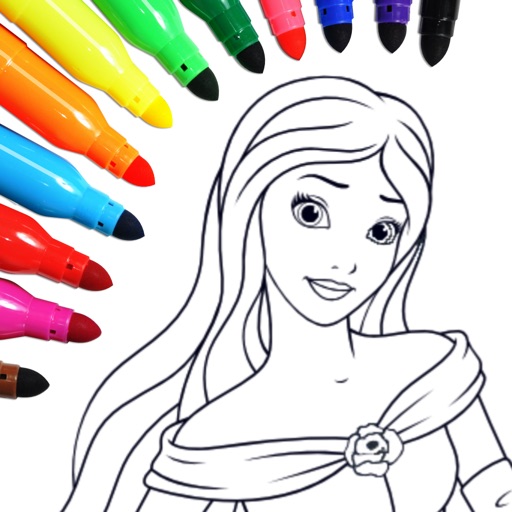
Coloring and drawing with 100+ free girl-themed images. Use 9 unique brushes and 50+ pattern brushes to create artwork. Record drawings as animated clips. Save and share creations. Switch between coloring and freehand drawing modes.
Children can freely using a virtual notebook with crayons and brushes. They can sketch shapes, experiment with colors, and create without limits or templates.