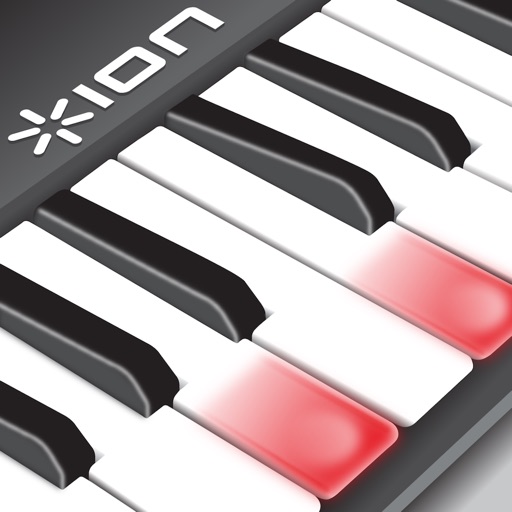
Play piano melodies by tapping on-screen keys. Access a library of preloaded songs. Follow along with visual feedback. Adjust volume and playback speed. Save progress and replay sessions. Share performances via social media.
Teach note recognition and sight reading through a musical game. Help Munchy catch blue notes to improve skills. Features include interactive gameplay, adjustable difficulty levels, and progress tracking. Syncs with music theory standards.
Create and edit chord progressions by selecting keys and chords. Build custom sequences and explore variations. Learn through interactive play and real-time feedback. Export progressions and integrate with music production tools.
Create music using a virtual . Choose from characters like Durple, Pinki, Sky, and Garnold. Play in Normal or Horror mode. Save and share compositions.
The app helps users learn to sight-read sheet music with configurable flash card exercises. Users can identify notes by sight or sound, with support for various clefs and key signatures.
Learn key names through interactive guessing games. Identify before fly away. Correctly guess all to win. Restart if incorrect. No ads or in- purchases.
Play with a virtual while . Access pre-recorded tunes and compose original . Switch between Classic, Modern, and Vintage themes. Send messages or emails while playing. Sync with Apple Health to track musical activity.
By slowing down without pitch change. Loop sections for focused . Isolate vocals, drums, and instruments using AI. Record own . Control playback with Bluetooth foot pedal. Import songs or use Apple . Adjust speed, pitch, and BPM during .
Create rhythmic patterns with triplets, dotted notes, and custom time signatures. Set subdivisions per beat. Save setups in setlists. Use Coach and Automator modes for timing practice. Adjust tempo and display options. Export patterns for later use.
The app allows users to perform classical piano music by tapping the rhythm of sound events. It provides live visualization of the music being performed and supports CoreMIDI for external sound sources.
The app teaches music theory concepts with audiovisual examples and interactive exercises. Users learn to craft melodies and chord progressions using a format that emphasizes function and practical application.
Learn with video lessons featuring Scott Houston. Select songs to practice. Start with right hand, then left, and combine both. Follow illuminated keys on compatible keyboard for guidance. Track progress through lesson completion.