Create photos by selecting official sizes and background colors. Choose from various suit styles and print options. Use AI to automatically adjust backgrounds for clean, professional results. Save or print formatted photos directly.
Create slideshows and collages with photos and music. Add transitions, edit photos, and reorder images. Share finished projects on social media platforms like Instagram, Facebook, and Twitter.
Scan and recognize text from printed or handwritten documents. Convert scanned images into editable PDFs or Word files. Organize documents into folders and share them via email or cloud services. Edit text directly within scanned documents.
Securely store and organize digital copies of credit cards, government IDs, and debit cards. Access and share documents instantly. View and manage multiple cards in one place. Protect sensitive information without saving data to servers.
Create posters and flyers using ready templates. Add text, images, and graphics. Customize colors and layouts. Export designs in various formats and share directly.
Track habits and progress with custom icons and notes. View daily tasks in grid or list format with swipe actions. Use reset timers and visual progress rings. Switch between light and dark modes.
Edit photos with effects, frames, and stickers. Adjust color balance and brightness. Crop, rotate, and straighten images. Add text and drawings. Remove blemishes and whiten teeth. Create memes and apply sharpening or blurring.
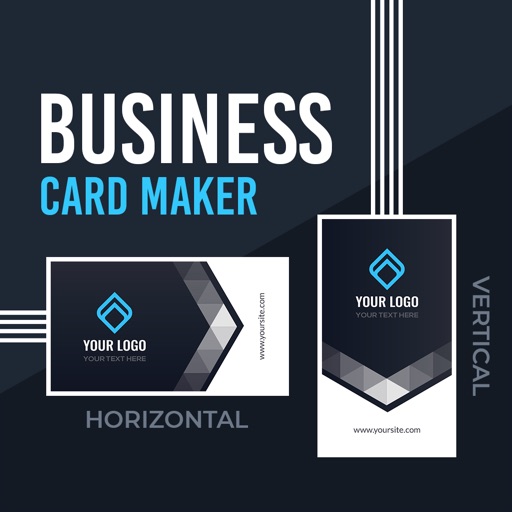
Create professional or cards using design templates. Customize text, colors, and layouts. Add logos and contact details. Export cards as PDF or image files and share via email or social media.
Enable real-time sharing between up to four devices and a ™ panel. Allow students to interact and present content on a shared screen. Manage connection permissions to control access and maintain order during classroom activities.