
Symbols Explorer
Shota Abe
Search , copy names, explore categories
Search SF by name or category. Find related and copy symbol names. View in multiple colors. Organize into categories for easy access.

Showing 1–20 of 1,000 ranked alternatives.
Shota Abe
Search , copy names, explore categories
Search SF by name or category. Find related and copy symbol names. View in multiple colors. Organize into categories for easy access.
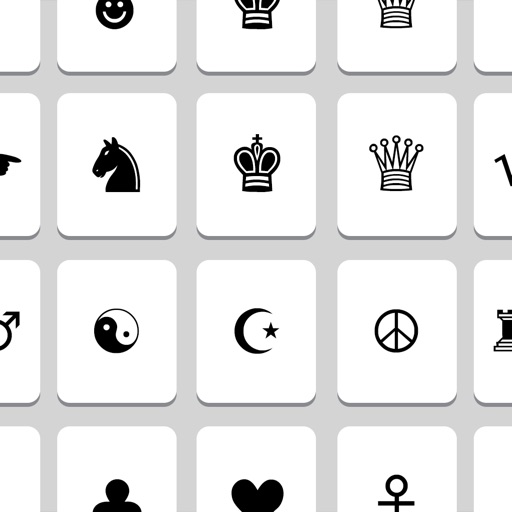
MobilePioneers
Send fun and emoji texts
Send custom and emojis to friends. Access over 500 unique not found on standard devices. Copy to clipboard or share via text, email, and other messaging apps. Create custom combinations for messages.


浩源 陈
Browse , find variants, manage your collection
Browse and search for SF across different variants and color options. Filter and manage dynamically updated with system changes. Export and integrate into projects for creative development.


Luis Farina Lazaro
Draw to find SF Symbols quickly
Draw to for SF Symbols by creating sketches, which the matches with suggested symbols. Copy symbol names for use in projects or save them for later. Browse and the full SF Symbols library by name.


Rinat Khanov
Paste instantly with one tap
Access special characters instantly with a custom . Choose from over 3000 organized by category. Search by name. Favorite for quick access. Sync favorites and recent across devices.

ALEJANDRO PORTELA TORRES
Convert words to symbols and more.
The app converts words into different symbols. Users can write upside down messages and type names in circles.

Jared Lipton
Find Windows keyboard symbol combinations easily.
The app helps users find Windows keyboard combinations for typing symbols and characters not on traditional keyboards. Users can copy symbols and characters to their iOS device's clipboard for pasting on a Mac.

Shanghai Xiangyuan Network Technology Co., Ltd.
Type with custom and emojis
Edit text with 100+ and emoji. Convert text to different in real time. Copy and paste formatted text across apps. Supports dark mode and system style. Works with Instagram, Snapchat, TikTok, Roblox, WhatsApp, and iMessage.

Pro App Company Limited
Templates directly
Allows users to create and manage templates for frequently used text. Access templates from the to insert pre-saved content without copying and pasting. Edit or delete templates directly from the interface.

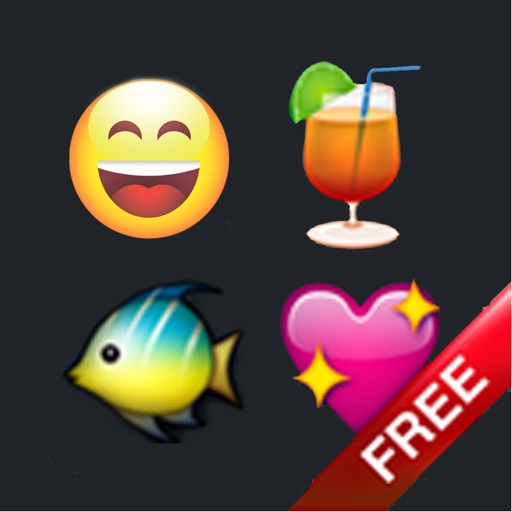
舜 陈
Fun characters for all applications.
The app offers over 500 Unicode symbols across seven categories. Users can send fun characters via email, messages, or copy them to the clipboard for use in any application.

Cider Software LLC
Convert units with intelligent search.
The app converts units with an autocomplete search. It automatically saves units to a selected list and includes a built-in calculator.



Aculix Technologies LLP
Bookmark links from and share them directly
Bookmark links from by sharing tweets via the . Share bookmarked links to other apps directly. Access a dark mode interface for better visibility.
Apps are ranked by functional similarity, category fit, rating confidence, and popularity.