Set alarms with repeat options by day, date, or shift schedule. Disable alarms via NFC, QR/barcode, or math problems. Use a timer for workouts. View time in multiple formats. Adjust settings for brightness and sound.
Customize device appearance with icons, , wallpapers, and widgets. Generate AI-designed visuals for iOS 18 personalization. Apply styles to apps like social media, streaming services, and calendars.
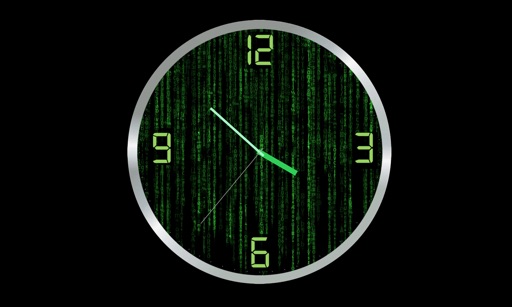
Display time with customizable and animated backgrounds. Choose from 10 clock styles and 20 backgrounds. Adjust font and color options. Set as screen saver with Pro Park download. No ads.
Customize home and lock screens with fully editable widgets. Add elements, select data sources, apply effects, and arrange layouts. Assign widgets to screen slots for personalized information displays.
Set alarms with custom playlists and -up sounds. Choose from themed digital or ultrasonic clocks. Track sleep patterns and set sleep timers. Use a multifunctional timer for cooking or workouts. Access weather forecasts. Activate a bright flashlight.
Set alarms with custom ringtone, music, or news updates. Choose recurring or one-time alarms for specific days or holidays. Select radio stations or podcasts for wake-up audio. Adjust settings for country and station preferences.
Track , distance, and direction with a digital and analog . Set custom distance values. Switch between portrait and landscape modes. Display in MPH, KM/H, and KNOTS. View altitude, maximum , and average with the Pro Pack.
Track scores and manage timers for over 35 . Update points by tapping, start or pause timers, and record results in real time. Customize scoreboard layouts and share data with others.
Customize home screen layouts with dynamic widgets. Add digital and analog clocks, calendars, and photo widgets. Choose from multiple design options and personalize layouts to suit individual preferences.