Edit photos with effects, frames, and stickers. Adjust color balance and brightness. Crop, rotate, and straighten images. Add text and drawings. Remove blemishes and whiten teeth. Create memes and apply sharpening or blurring.
Convert images into -stitch patterns by uploading and converting them. Edit patterns with color and pixel settings. Choose canvas and thread manufacturer. Save as PDF. Adjust grid visibility and highlight colors.
The app allows users to edit photographs by adjusting brightness, tint, and balance. Users can apply filters such as Sepia, Colorize, Wave, Watercolor, and Color Reduction to create collages and greeting cards.
Create logos with customizable templates, text tools, and graphic elements. Adjust colors, fonts, and layouts. Export in multiple formats and share directly.
Select a to apply tattoos. Choose from categorized designs for men or women. Place and adjust tattoos on the image. Preview how tattoos look on the . Share the edited image directly.
Create home screen icons and themes. Adjust icons, backgrounds, and layouts. Apply new themes with simple taps. Customize layouts and styles to match personal preferences.
Create professional cards by selecting from landscape or portrait templates. Customize designs with logos, photos, and text. Edit font, size, color, and opacity. Export as PNG, JPG, or PDF for print or digital use.
Create stickers from photos with automatic background removal using face detection. Crop and erase areas easily. Add text, emojis, and decorate with borders. Export stickers for use in messaging and social media apps.
Create custom by trimming audio clips and adjusting start and end times. Use an intuitive interface to select and edit sound waves. Save and set directly on the device.
Create videos from photos by adding music and transitions. Edit images, adjust timing, and apply filters. Export videos in various formats and share directly.
Create unique nicknames for apps and using customizable fonts, symbols, and emojis. Generate fancy names with pre-designed templates or personalize with special characters. Decorate names with hearts and other icons to enhance chat appearances.
Create photos with customizable . Select from options. Add photos from gallery or capture new ones. Apply filters for enhanced appearance. Include stickers or emojis. Save and share edited images.
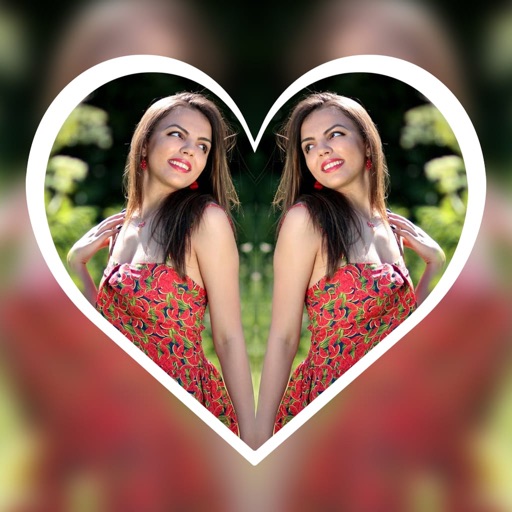
Create reflection effects with left-right, up-down, or repeat options. Apply effects and designer frames to enhanced images. Select from gallery or capture new photos for editing. Export and share edited images.