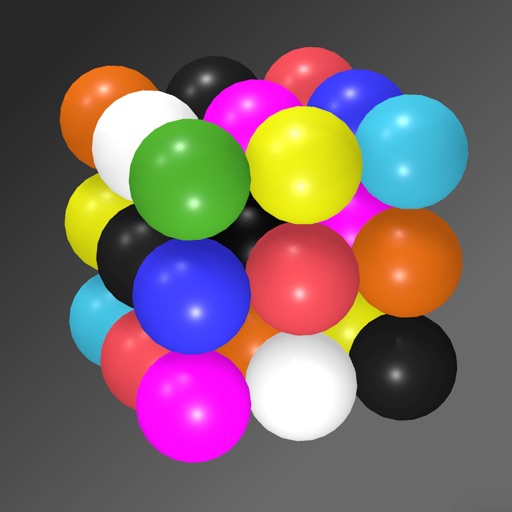
Solve puzzles by arranging colored spheres on a 3D cube. Each side has a 3x3 grid with nine unique colors. Rotate and tilt the phone to manipulate the cube. Complete levels by ensuring all colors appear once per side.
by 小健 赵★ 5.01 ratingsEducationFreeData updated 2026-09-06
The app offers a scientific calculator with complex number support and programmable keys. It includes graphing capabilities for up to nine equations, vector and matrix calculations, and a unit converter for various measurements.
The app allows users to create and manipulate polyhedrons using Conway's notation. Users can apply various transformations and color schemes to generate thousands of visual combinations, which can be saved as images or viewed in Augmented Reality.
Learn to solve the Rubik's with step-by-step tutorials featuring 8 detailed stages, visual demonstrations, and easy-to-follow algorithms. Practice algorithms, track progress, and access beginner to advanced solving methods.
Explore a 3D model of with real-time sun position and dynamic lighting. Rotate the globe, zoom in on continents, and view and galaxies. Adjust lighting effects and track celestial movements. Share the view via screen recording or screenshot.
Explore real-time satellite data and simulations of Earth's systems using a Cube. Rotate 3D models of the planet, view atmospheric layers, and track weather patterns.
Solve puzzles with varying grid sizes and difficulty levels. Input numbers to fill grids without repeating in rows or columns. Use arithmetic operations to complete puzzle sections. Track progress and restart puzzles.
™ allows users to perform fraction calculations and convert between decimals and fractions. It supports degree, minute, and second conversions. Users can handle unit conversions and calculations with dimensional units.
Solve puzzles in 6x6, 9x9, and jigsaw formats. Access thousands of levels with varying difficulty. Track progress and replay previous games. Sync puzzles across devices.
Solve math problems with natural textbook input and fraction support. Trace graphs with touch. Zoom using pinch gestures. Tap for regression analysis. Swipe to scroll through calculation history and matrices. Access help via the ? key.