View and switch between multiple formats including Short Date, Long Date, Date, and Mars Sol Date. Display dates on lock and home screen widgets. Convert to Unix time and other supported date systems.
by Applorium Ltd★ 4.746 ratingsEducation$1.99Data updated 2026-09-06
Track upcoming events with customizable reminders and daily alerts. Sort events by date and customize settings. View a beautiful widget and icon for quick access. Set event-specific date configurations.
View and explore images from NASA’s Curiosity, Spirit, and Opportunity rovers. Browse current or past photos by sol date. Bookmark favorite images and share them directly. No login required.
Displays time and date with options to switch between 12/24-hour format, second display, and font size. Shows analog and time in top bar. Automatically scrolls like a smart display with adjustable screen switch interval.
, weekly, or monthly activities such as workouts, weight, eating habits, and business expenses. View notes in list, table, or calendar formats. Add widgets for quick access on the home screen. Create notes for personal logs or habit tracking.
Display daily time, date, calendar, weather, steps, and more in a customizable widget. Choose from various designs and color schemes. Create custom with full control over functionality and appearance.
The app displays device orientation to magnetic fields. It provides location coordinates, course, speed, altitude, weather information, date, time, and map views.
Customize home screen layouts with dynamic widgets. Add digital and analog clocks, calendars, and photo widgets. Choose from multiple design options and personalize layouts to suit individual preferences.
Customize home screen and mode with animated and photo albums. Add interactive charging prompts and personalize widget layouts. Sync with iOS17 and iOS16 for enhanced display options.
Track class schedules with widgets on home and lock screens, and complications on a smartwatch. Automatically adjust for weekly schedule changes and override for unexpected delays or activity .
Display current time and date with customizable settings. Show screen savers every hour and access a settings toolbar. Enable a store for additional features. Includes improved advertisements.
Explore historical events, birthdays, deaths, and holidays from any date. Filter by year or category. Save favorite events and share them with others. View detailed descriptions and related dates.
Create unlimited events for any date in the past or future. Group events into color-coded folders. Set repeating events with yearly, monthly, weekly, or daily intervals. Customize units and alerts. Personalize countdowns and widgets.
Calculate refill dates for prescriptions by setting the last pickup date, day supply, and refill parameters. Adjust refill options in settings. Sync with Apple Watch for reminders and notifications. Track medication schedules and receive alerts.
Calculate mathematical expressions with infix notation, view full equations as they are typed. Customize themes to match personal style. Access via lock screen widgets. Use one-handed keyboard for larger devices.
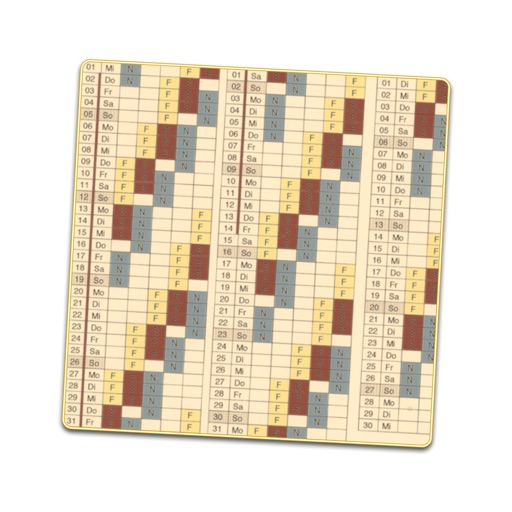
Creates a displaying work shifts for each day of the year. Enter sequences and start dates to generate the schedule. Edit individual days to adjust shifts or mark as holidays. Includes public holidays and school vacations for over 30 countries.
Track time until events with customizable countdowns. Set dates for birthdays, anniversaries, or work events. View time remaining or elapsed since specific dates. Switch between days, hours, and minutes. Share countdowns with others.
Anonymize photos and videos by blurring or coloring faces and full bodies. Remove metadata such as time, date, and location. Apply anonymization settings locally without internet connection.
Allows users to add stylish widgets to their home screen or mode. Full-screen mode offers immersive designs like Nixie tubes, displays, and flip clocks. Users can customize time zones and adjust appearance.