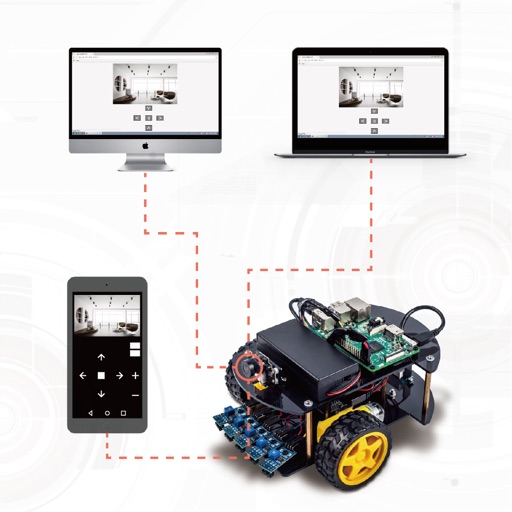
Control a robot using graphical programming blocks. Create programs to make the robot move, express emotions, or tell stories. Connect the iPad directly to the robot without cables. Sync and control the robot during trips.
Children can draw, color, and doodle on various themed pages featuring animals, fairies, princesses, vehicles, robots, and aliens. Features include fine motor skill development, hand-eye coordination exercises, and customizable options.
Learn , , and sizes through interactive rides. Create cotton candy in various and . Match balloons by color and size. Seat teddy bears on rides. Engage with Baby Shark characters for educational play.
Solve problems to control a and compete against AI. Complete challenges with increasing difficulty. Track progress and earn rewards. Features include interactive puzzles, real-time feedback, and customizable difficulty levels.
Learn through interactive with a patient . Choose times tables to practice. Train in addition, multiplication, subtraction, and division. Track progress with a history of games. No internet connection required.
Can race in a safe, ad-free environment with left-right lane control and one-tap nitro boosts. They can collect power-ups like shields and coin magnets.
Learn to assemble and install program blocks through interactive lessons. Control robot movement with directional commands. Track assembly progress and edit programs using Blockly to direct robot actions.