Create and manipulate sound using a variety of oscillator types including analog, FM, additive, and physical modeling. Adjust waveform shapes, filter settings, and modulation parameters. Play in monophonic or 8-voice polyphonic mode.
by Oliver Greschke★ 4.740 ratingsMusic$17.99Data updated 2026-09-28
Control synthesizer parameters like SuperNATURAL Synth Tones and Part Mixer remotely. Select and load Studio Sets. Adjust tone assignments for each part. View and modify settings on an iPad screen. Requires Roland -7 and Wireless Connect.
Apply audio filters with 21 types including lowpass, bandpass, and comb. Adjust filter slopes up to 48 dB using SVF, diode ladder, and transistor ladder. Add distortions and modulations for sound effects. Output processed audio files.
Create with built-in drums, synths, and effects. Layer loops and beats to build evolving soundscapes. Collaborate in real-time with others. Adjust parameters for custom sounds. Export tracks in multiple formats.
Convert text inputs into unique waveshapes for bass sounds. Generate monophonic sub- tones from user-generated phrases. Customize audio output with codes.
The app offers 16 professionally recorded instruments, a full recording and overdub facility, and live MIDI control. It includes a built-in arpeggiator, drum machine, and effects for creating musical compositions.
Create and edit music using an analog synth with patching capabilities. Use a 16-step sequencer to arrange patterns. Tap to create drum parts with a six-part drum machine. Share compositions online via SoundCloud.
Create and customize sounds with 17 different types. Configure three manuals independently. Use scanner vibrato and chorus effects. Simulate rotary cabinets and tube amplifiers. Access AUv3 plugin for integration.
The app includes 24 idiophones, with castanets and the triangle available for free. Users can record audio, send data via email, and play along with other music apps.
Professional music synthesizer with virtual analogue sound engine. Play using on-screen keyboard or MIDI controllers. Connect to digital audio workstations via MIDI. Sync with other apps via MIDI Clock.
Play virtual instruments with multitimbral capabilities. Supports standalone or plugin mode. Compatible with macOS, Windows, Linux, and iOS. Adjust interface size for different monitor setups. Control via SL Keyboard or other MIDI inputs.
Create and sequence music using 4 sound channels with 3 tone channels and 1 for drums and noise. Adjust audio parameters like pan, amplitude envelope, vibrato, and pitch glide. Add ring modulation, FM synthesis, and a resonant filter.
Create and manipulate melodies using a generative sequencer. Generate interwoven melodies with phase offsets and probability settings. Manually draw notes or disable generation. Send MIDI to external devices or use an included wavetable synthesizer.
Allows users to create and edit music using virtual analog synthesizers and multi-effects. It supports loading as an instrument, audio effect, or MIDI processor within host applications.
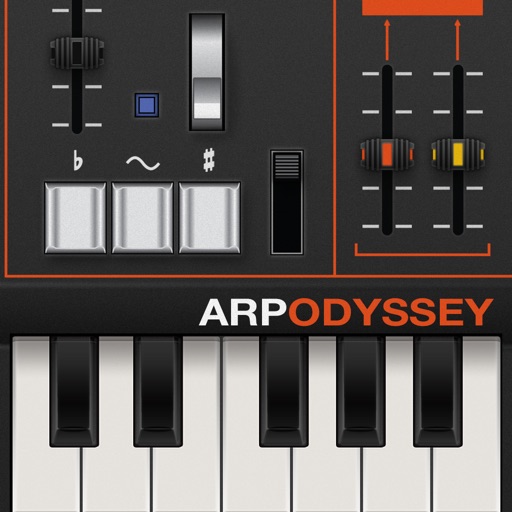
Create and manipulate analog synth sounds with ARP ODYSSEY. Adjust oscillators, filters, and envelope settings. Save and load presets. Connect to audio interfaces for live performance. Export audio files and share directly.
Simulate the ANS synthesizer by drawing spectrograms to create music. Adjust parameters like pitch, amplitude, and envelope. Play back compositions and export audio files. Learn about the history and unique capabilities of the ANS instrument.