Create illustrations with a spacious canvas and customizable screen settings for iPad users. Use a wide range of brushes and tools for detailed drawing. Save work automatically to the cloud and adjust panels for comfort and efficiency.
by Pixiv Inc.★ 4.684 ratingsGraphics & DesignFreeData updated 2026-09-06
Creative drawing tools allow users to draw, color, and design with brushes, textures, and shapes. Access a variety of pages featuring animals and educational themes. Erase, resize, and customize artwork. Save and share completed drawings.
Edit images and videos by selectively recoloring elements. Extract objects, shapes, and text using tracing, magic eraser, and recoloring tools. Deform and extracted elements with distortion tools.
Enables remote monitoring across multiple locations. Users can set recording schedules, receive alerts for camera health issues, and access live feeds. AI features detect people, vehicles, and animals in real time.
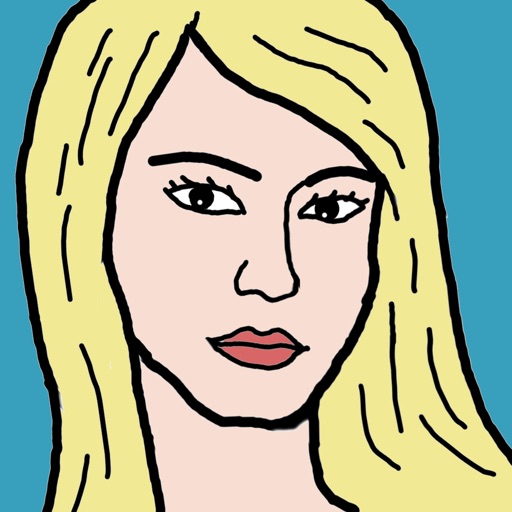
Take a selfie and submit it for others to portraits. Browse community artwork including masterpieces, doodles, and caricatures. Use GPU-accelerated tools with various brushes for drawing.
The app allows users to monitor and manage network video devices over WIFI or 3G. It supports plug-and-play, online video viewing, snapshots, recording, and Pan-Tilt control.
The app allows users to draw and send messages directly from their iOS keyboard. It offers custom drawing tools, color selection, and brush options, with undo support and the ability to draw on photos.
Duplicate Photo & Video Remover deletes media files. Contact Organizer removes duplicates and empty entries from the address book. Secure Storage Vault allows users to store important files privately.
Create and organize notes with a freeform canvas for sketching, annotating PDFs, and journaling. Use AI to generate text from handwriting, search notes by content, and structure ideas with tags and folders.
Allows users to display text on their iPad screen for speeches or presentations. Features include multiple script support, adjustable text size and font, and speed control. It can be used with compatible systems for live broadcasts or lectures.
Edit photos with a wide range of effects, from basic adjustments to advanced graphic transformations. Repaint images using various brushes and import Photoshop brushes. Share edited photos on Instagram with the # tag.
Create pixel art sprites with drawing tools and a powerful engine. Open and edit pixel art files from Files. Use iCloud Drive for cloud storage. Support Apple for precise input. Import and customize color palettes.
The app opens, views, and extracts images from abr, tpl, and pat files. It supports all versions of these file formats and allows exporting selected images to various locations.
Create digital paintings with unique brushes and color chaos features. Use Color Jitter for textured effects and Fan Fill or Lasso Fill for quick color blocking. Paint outdoors or on the go with intuitive tools.