Practice through interactive games. Select settings to customize difficulty and practice mode. Track progress and replay until mastery is achieved. Share scores and receive feedback within the .
Convert English text to with customizable styles. Learn proper pen order and positioning for each letter. Save practice sessions and share images directly.
Practice writing by selecting letters to trace. Adjust settings for difficulty and stroke guidance. Play interactive games to reinforce letter formation and progress tracking.
Convert handwritten notes into editable using OCR technology. Scan and convert notes to digital format. Share or edit converted . Search and organize digital notes. Sync across devices.
Practice writing by selecting letters and tracing them. Customize settings for difficulty and letter selection. Play until letters are mastered. Track progress and receive feedback during gameplay.
Handwriting through interactive lessons and create custom worksheets for practice. Practice Spencerian script with guided exercises. Add ornamental flourishes and bounce lettering to refine penmanship. Syncs with Apple Pencil for precise writing.
Practice writing by tracing letters and words. uppercase and lowercase characters. View animated stroke order for each letter. Practice words in multiple languages including German and Spanish. Add custom words for personalized practice.
Practice in multiple languages with interactive lessons and worksheets. Learn calligraphy, , and print writing. Correct letter formation for children and refine skills for adults. Track progress and access various writing styles and exercises.
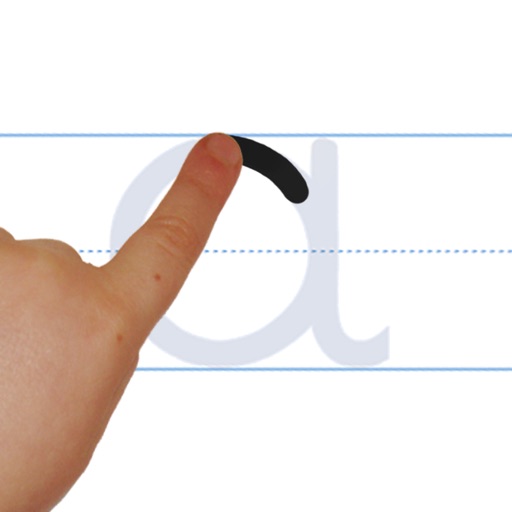
The app provides practice for English cursive handwriting, including uppercase letters, lowercase letters, words, and sentences. Users can select different content sets and adjust pen border width.
Teach with letter tracing and letter joining exercises. Includes three US fonts and additional international fonts. Allow customization with user-defined word lists and audio recording.
Convert handwritten notes to editable by scanning and recognizing cursive writing. Export instantly. Convert PDFs to searchable, editable . Extract content from scanned documents. Copy, share, or edit without retyping.
Create custom font templates with hundreds of styles including Copperplate, Italic, and Gothic. Export and print practice sheets as needed. Use Apple Pencil for precise stroke control on iPad.
The app teaches toddlers and preschoolers alphabet tracing and word spelling. It includes interactive animations and sound effects to help children learn phonics and word formation.