Apps Like Roku・TV Remote Control for iPhone and iPad
Playback and navigate channels
Transform your device into a for Roku TV and streaming devices. Navigate channels, playback, and manage apps with a touchpad. Access favorite channels quickly. Launch streaming apps and switch inputs. Support private listening via headphones.
by Liridon Cela★ 4.6704 ratingsEntertainmentFreeData updated 2026-09-06
View allows two browser tabs to be displayed side by side. Adjustable sizes let users customize layouts for focused work. Quick tab switching improves navigation efficiency. Ideal for comparing websites, researching, shopping, or multitasking.
Allows users to create and manage shared calendars, schedule events, and set reminders. It includes a to-do list, countdown timers, and goal tracking features. Users can customize themes, fonts, and backgrounds.
Locate Bluetooth devices by scanning for nearby devices. Tap to select a and view its distance score. Move around to improve detection accuracy. Connect directly if the is nearby.
Control your TV with on-screen buttons for power, volume, and channel navigation. Use the touchpad to navigate menus and select options. Adjust input sources and access smart TV features directly from your iPhone.
Connect and manage Bluetooth audio devices with fast pairing and automatic recognition. Switch between multiple devices easily. Monitor battery levels when available. Features a clean, intuitive interface for simple control.
Control Sony TVs via Wi-Fi . Adjust volume, channel, mute, and power. Navigate with smooth touchpad. Type using on-screen keyboard. Automatically detect nearby TVs. Simplified interface for quick access.
Automate repetitive tasks and reduce manual input. Schedule actions, set timers, and create shortcuts. Streamline workflows and enhance productivity with customizable automation features.
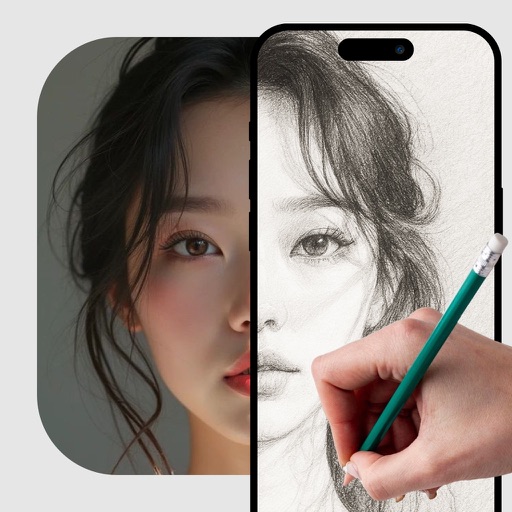
Use camera to project image outlines onto paper for tracing. Choose images from gallery or collection. Follow lines to practice sketching. Suitable for beginners, artists, and students. Improve hand-eye coordination.
Mirror device screens to TV for high-quality streaming. Cast videos from websites without installation. View photos and videos on larger screens. Control playback and manage content directly from mobile. Sync with Apple devices for seamless casting.
Navigate using turn-by-turn directions and real-time traffic updates. Access playlists, make calls, and send messages directly from the car display. with preferred apps for a unified interface. Receive updates and alerts for ongoing performance.
Hidden and microphones using advanced algorithms and device sensors. Scan environments for surveillance devices. Alert users to potential privacy threats.
, movies, music, and photos to TV. Stream web content from browsers and local files. Supports Chromecast, Fire TV, Apple TV, Xbox, and DLNA devices. Share content directly to compatible receivers.
Watch multiple streams simultaneously for sports and entertainment. Access global channels via m3u or xtream formats. Support high-quality video and audio with external players. Cast content using ChromeCast or AirPlay.