Apps Like BLEASS Multiband Compressor for iPhone and iPad
Compress audio with precise control
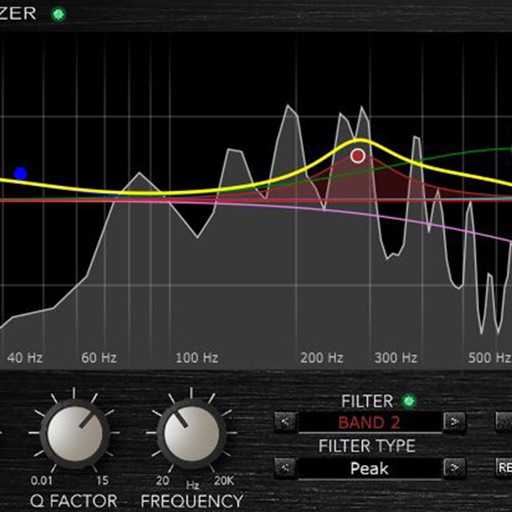
Adjust audio frequency bands independently for precise dynamic control. Apply compression to specific frequency ranges. Fine-tune attack, release, ratio, and threshold settings. Monitor and adjust gain staging during mixing or mastering.
by BLEASS★ 4.713 ratingsMusic$3.99Data updated 2026-11-12
Play virtual with MIDI controllers or keyboards. Adjust articulation, dynamics, and breath effects. Use Room Simulator "Ambiente" for spatial audio. Load and save presets. Export audio in multiple formats.
Control a compatible receiver with Bluetooth connectivity. Adjust volume, switch input sources, toggle power, and manage playback functions. Access radio presets and change bands. Mute and pause media. Seek forward or backward.
Follow tour dates and event announcements. Access exclusive fan content and community updates. View concert schedules and venue details. Receive real-time news and official band statements.
Create drum sounds and synthesize vocals using a 24-part sound engine. Use a pattern sequencer to arrange beats. Apply effects including a Phrase Vocoder that converts text to vocal-like sounds. Adjust vocal characteristics such as gender.
Extract vocals, drums, guitar, bass, piano, strings, and other instruments from audio files. Split tracks into 2, 4, or 5 stems. Create backing tracks and specific elements for music production. Save and share isolated audio files.
The app provides over 600 samples, 47 editable programs, and 80 editable sequences. It includes built-in effects, sampling capabilities, and the ability to create new sequences and record beats.
Split audio files into vocals and instruments using AI. Import audio or video files, screen recordings, or paste links. Export stems in various formats. Edit and rearrange tracks within the .
Analyze signals with real-time octave RTA. Display frequency response using RMS values across full, 1/3, 1/6, and 1/12 bands. Measure SPL in dBFS. Support FFT with adjustable window sizes. Sample at 44.1kHz, 48kHz, or 96kHz.
Load and manage impulse response files for audio equipment. Adjust cabinet sounds with a 6 band parametric equalizer and graphic EQ. Use a custom compressor with side chain filter and bass enhancer.
Adjust for 4 adjustable frequency bands. bass focus in the center channel and maintain spacious mid-range imaging. Solo each band for individual auditioning.
Create rhythmic patterns using 28 percussive sounds from everyday objects. Adjust volume, pan, and effects for each sound. Record and playback loops. Share performances via file export or social media.