Edit photos by selecting frames in square or portrait format. Reposition, resize, and crop images within the . Customize appearance and apply filters. Preview final edits and save to photo library.
Edit photos by adding customizable frames based on metadata themes. Choose or create frames manually if metadata is missing. Save and share framed photos directly.
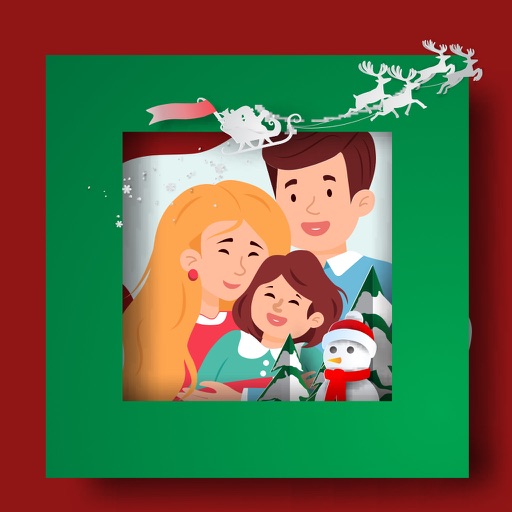
Create by selecting from various and adding photos from the gallery or camera. Adjust photos with zoom, rotate, and move gestures. Save and share customized greeting through social networks.
Create unlimited widgets and collections. Add favorite photos to widgets and configure them to display specific collections. Reframe photos and include optional date and text in widgets.
Apply -themed to images from the gallery or camera. Adjust frame size and position by rotating, scaling, zooming, or dragging. Choose from fifteen in various shapes and colors. Save edited photos to the device.
Edit photos by adding customizable from a large selection. Adjust brightness, contrast, and saturation. Crop images and apply filters. Share edited photos directly to social media or messaging apps.
Create holiday collages with customizable layouts, -themed grids, and backgrounds featuring Santa, gifts, and snowmen. Add text messages, select photos, and design e-cards with festive frames and decorations. Export and share finished collages.
Create photo albums and take photos using simple steps. Use photo frames for consistent images. Generate timelapse videos and share them with loved ones. Receive daily reminders to capture new photos.
Edit photos by adding holiday with adjustable size, color, spacing, and placement. Apply holiday-themed frames and text overlays. Animate with two timers. Share 10-second videos, animated GIFs, or single-frame photos.
Create wallpapers with predefined frames. Choose from 60+ styles including cute notches, bullet holes, and broken screen designs. Adjust photo size and position. Save and share wallpapers directly. Supports all iPhone models from 7 to 13 Pro Max.
Edit photos and videos with vintage and retro styles using curated presets. Apply filters to adjust color, contrast, and tone. Use templates for minimal, paper, film, or polaroid effects. Export edited content in various formats and share directly.
The app organizes photos into frames using 16 templates. Users can edit and stylize frames, and place multiple photos within a single frame before sharing.