Apps Like Blur ID - Hide Chat Screenshot for iPhone and iPad
Faces and sensitive text in screenshots
Automatically blurs faces, usernames, profile pictures, and sensitive text in screenshots. Users can share content across apps like iMessage, Instagram, WhatsApp, and Facebook while protecting privacy.
by Yeonni Lee★ 4.927 ratingsPhoto & VideoFreeData updated 2026-09-06
Edit videos with controls including focus, exposure, ISO, and white balance. Apply slow motion, speed up, add borders, filters, text, music, blur, emojis, and stickers. Share directly to YouTube, Facebook, Snapchat, Twitter, and Instagram.
Edit photos using voice commands to describe desired changes. Animate static images to motion. Test virtual haircuts and styles on photos. Save and share edited images directly.
Apply blur to portraits for a blurred effect. Adjust blur intensity and tweak brightness, temperature, tint, and saturation. Use live filters during editing. Export edited photos directly.
Edit screenshots by adding device frames with customizable parameters. Adjust borders and shadows for a polished appearance. Save or share the enhanced screenshot directly.
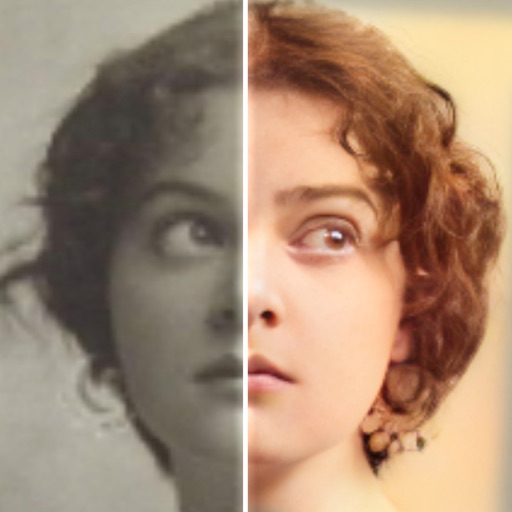
Edit photos with AI colorization, enhancement, and restoration. Remove scratches, tears, and blurs. Convert black and white images to high-definition . Adjust clarity and brightness. Share restored photos directly.
Edit photos to full size on Instagram . Stretch edge pixels to fill gaps. Choose from blur, mosaic, color, and pattern backgrounds. Take photos directly or import from gallery.