Track workout durations with a and -in timer. Use voice commands or on-screen buttons to start, stop, and reset. Set countdowns for warm-ups or transitions. Sync with fitness apps for progress tracking.
by Fabio Katz★ 0.00 ratingsUtilitiesFreeData updated 2026-09-06
Perform guided breathing exercises with customizable duration and pace. Track progress over time. Set reminders for sessions. Include options for different breathing patterns and relaxation techniques.
Automate repetitive clicking tasks like liking, snatching items, grabbing tickets, and completing game actions. Use four modes: Single Target, Multi-Target, Refresh, and Scroll. Adjust click intervals and durations.
Track time-based workouts and productivity sessions with customizable timer types. Start and stop via Apple Watch or phone. Sync workout data to Apple Health. Switch between dark and light themes for the and timer interface.
Track scores with customizable team names and colors. Record goals, bookings, and substitutions on a timeline. Modify player formations using a tactics board. Access match history and set default configurations. Include a timer for game duration.
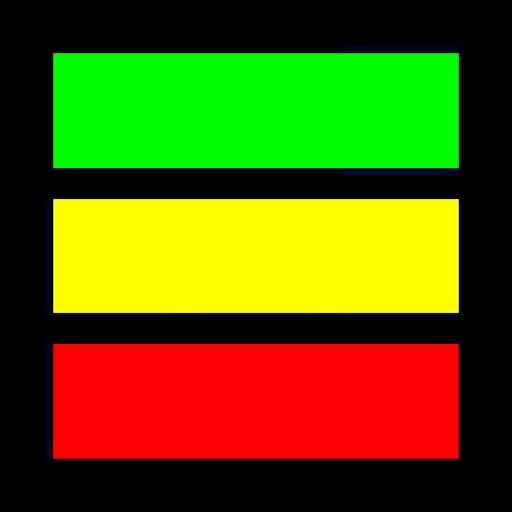
Allows users to set and adjust durations for green, yellow, and red zones. It beeps or vibrates when the ends and displays a black and white flag. Users can start, pause, and reset the . The interface uses the full screen without additional clutter.
"Start countdown timers for 15-second warning, 1-minute timeout, and 2-minute break. Receive alert and haptic feedback when ends. Automatically return to main list without manual reset."