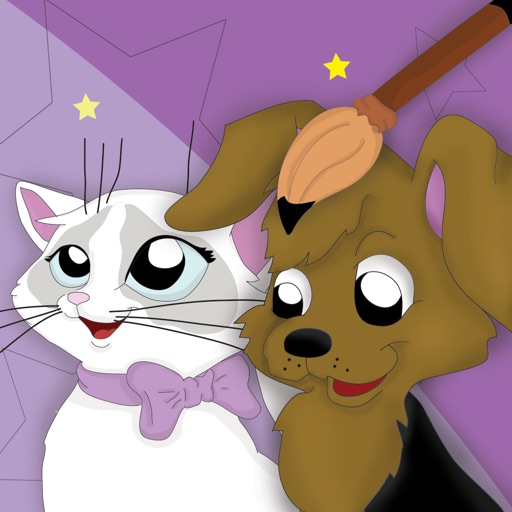
How to draw Dogs & Cats
A2DWebs
Cute animals step by step
Learn to cute and in 8 simple steps. Choose a breed, follow guided instructions, and practice drawing anywhere. Save and share completed artwork.

Showing 221–240 of 1,000 ranked alternatives.
A2DWebs
Cute animals step by step
Learn to cute and in 8 simple steps. Choose a breed, follow guided instructions, and practice drawing anywhere. Save and share completed artwork.


Ramil Valiullin
Learn to draw with simple lessons.
The app provides step-by-step drawing lessons for various subjects like animals, cartoons, and anime. It also includes coloring pages with an online catalog for users to paint images.

Binh Le
And design tattoos anytime
Explore styles including tribal, skulls, fonts, flowers, henna, minimalist, and wolves. Select designs from list view or search. Create custom tattoos by adding elements and adjusting placement. Save and share finished designs.
Norbyte
Create art with expressive painting tools.
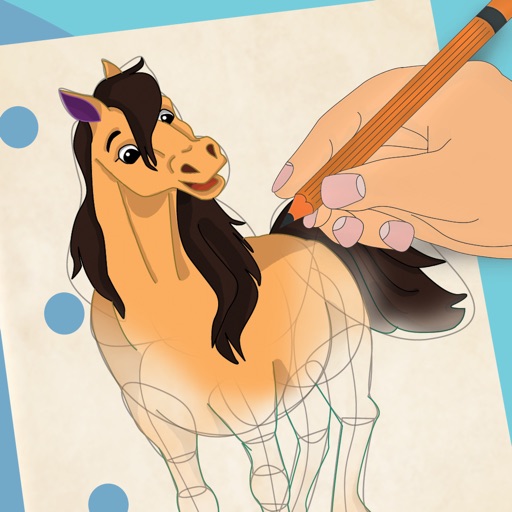
The app offers live-calculated brushes and strokes that interact with a generated canvas texture. Users can adjust parameters like color and size while painting, and stroke size changes based on fingertip contact with the screen.

Kozo Terai
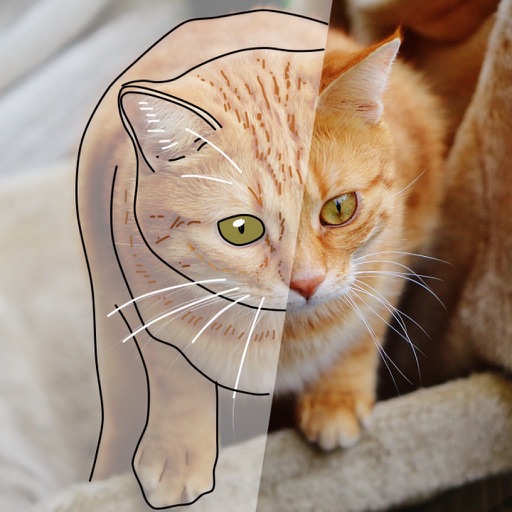
Over images with precision
Over image templates with automatic pen tracking for accurate . Select from preloaded categories like animals, flowers, and vehicles. Choose from over 150 colors to customize drawings. Export final artwork in various formats.

HK PIXO TECHNOLOGY LIMITED
, create, and explore freely
Create and customize digital art with a wide range of brushes, colors, and patterns. Import images to or use pre-designed illustrations. Save and share artwork. Adjust brush size and opacity. Layer elements for detailed compositions.

Binh Le
Create step by step
Create art with step-by-step drawing guides. Choose from categories like freestyle, hip-hop, and old-school. View styles in list or grid format. Save and share completed artwork. Adjust colors and brush sizes for customization.
Norbyte
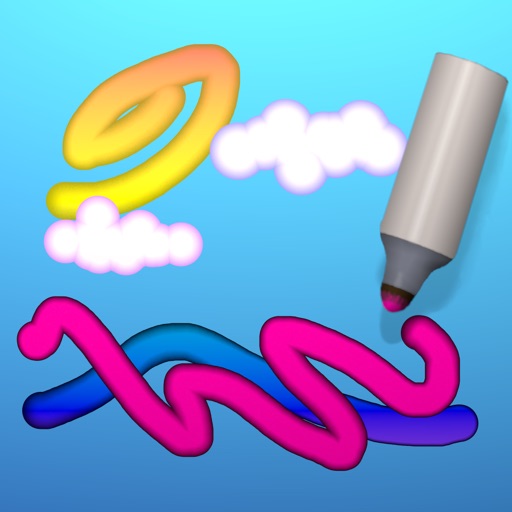
Draw art with a cartoon style.
The app offers cartoon-inspired drawing tools, including Pen and Eraser. It features fingertip stroke size adjustment and full Apple Pencil support.


MITSUKO MARGOT KUBOTA ONO
Draw, erase, and share instantly
Draw and sketch with pen, eraser, or lasso tools. Adjust pen thickness and color. Change canvas background color. Zoom and pan the canvas. Save and share drawings in one step.

Muhammad Usman
Draw and connect dots to solve
Solve by connecting dots with a single continuous . Avoid retracing steps and lifting your finger. Progress through increasing difficulty levels. Track completed and review solutions. Share achievements with friends.
A2DWebs
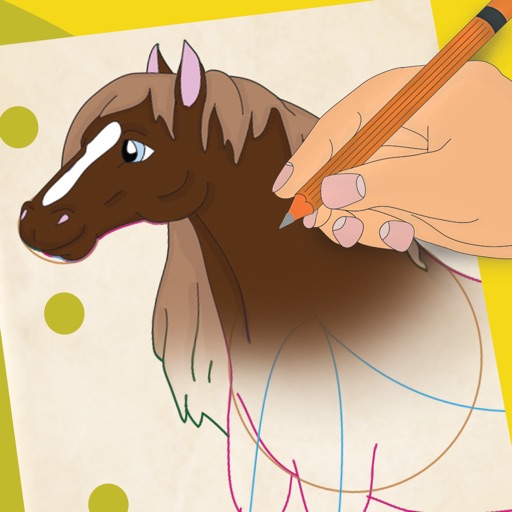
, practice steps, save creations
Learn to 10 through 8 step-by-step lessons. Choose an animal, follow guided instructions, and create drawings anywhere. Save and share completed artwork.


Bita Sobhani
Convert photos to books
Convert photos to black and white drawings for . Import photos from device or camera. Add colors using painting tools. Create drawings on blank canvas. Premium version offers more paint colors, opacity control, and outline editing. Removes ads.
Apps are ranked by functional similarity, category fit, rating confidence, and popularity.