Create diagrams, technical sketches, and geometric art on digital graph paper. Draw with customizable pen colors and stroke widths. Edit objects after drawing. Use full-screen mode and hideable guides for focused design.
by DANIEL ROTH★ 0.00 ratingsProductivity$29.99Data updated 2026-09-06
Pollux Bilisim Teknolojileri Sanayi ve Ticaret Limited Sirketi
Sketch on photos with AR
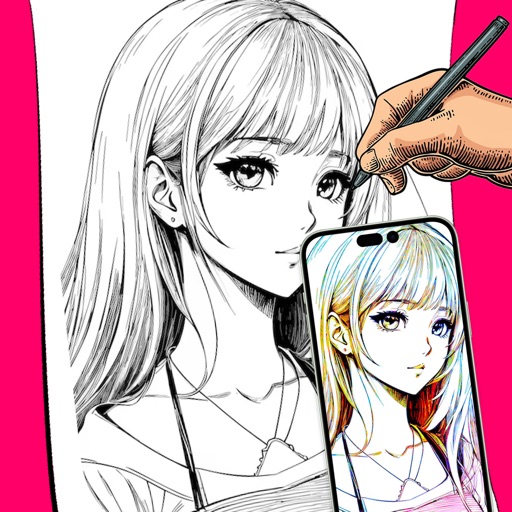
Use AR to sketch and draw on photos with realistic ink effects. outlines or create pencil sketches from images. Convert photos into artistic drawings with AI-powered tools. Save and share finished artwork directly.
Take notes and sketch on virtual paper, PDFs, Word, Excel, PowerPoint documents, and images. Zoom in and out freely without limits. Use a free pen and purchase additional pens. Customize paper sizes and styles without restrictions.
Create and edit handwritten notes and sketches on virtual paper, WhiteBoards, PDFs, images, and Microsoft Office documents. Zoom in and out extensively for detailed work. Sync notes between iPad and iPhone using iCloud.
Annotate photos with text, drawings, and stickers. Add watermarks and autographs. Create and share Photocards. Incorporate internet memes. Edit and share annotated images directly.
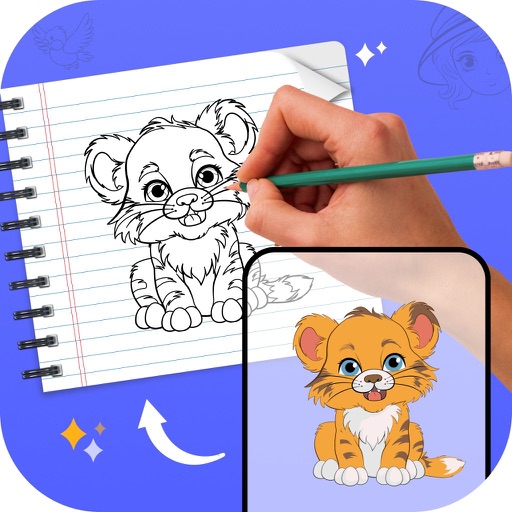
Create drawings using AR tools, trace real-world objects in real-time, and convert photos into sketches. Access a library of templates for design projects. Share artwork directly from the .
Use camera to project images onto paper for tracing. Draw directly on projected content. Adjust brightness and contrast for better visibility. Save and share artwork. Access tutorials for tracing techniques. Sync drawings across devices.
The app combines geometric shapes with text and equation editing. Drawing data can be transferred for collaboration and backup, and drawings can be shared on social media.
The app replaces the Mac desktop with a drawing surface for notes and sketches. Users can draw freely with multiple pens, add text, and export doodles in various formats.
Create and edit and drawings for home screen and lock screen widgets. Draw with Apple Pencil or finger, type with keyboard. Customize backgrounds, colors, fonts, and zoom for details. Combine text and drawings in one note. Share as images or text.
View and manipulate 3D models with rotation, scaling, and sectioning. Support for BIM, Revit, SolidWorks, and over 40 3D file formats. Measure distances and preview assemblies. Export and share 3D designs.
Drawing techniques through step-by-step lessons. Create and customize sketches with various tools. Access coloring features and save artwork. Share drawings directly from the . Track progress and revisit previous lessons.
Create drawings by tracing images from the 's library or photos. Adjust line thickness and color. Add text and graphical elements. Export drawings in multiple formats. Share completed artwork directly.