Create digital illustrations with painting, coloring, and drawing tools. Use multiple layers, customize brushes, and mix colors for precise control. Apply textures and save or share artwork directly.
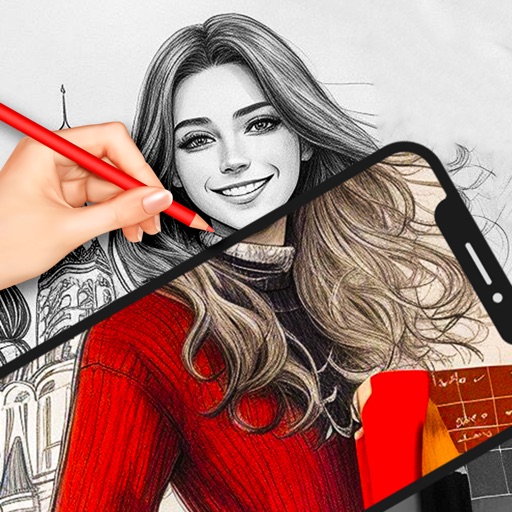
Use AR to sketch and paint on paper. Select images from the built-in gallery. Position paper on a flat surface for accurate drawing. Draw over projected images with precision. Save and share artwork directly.
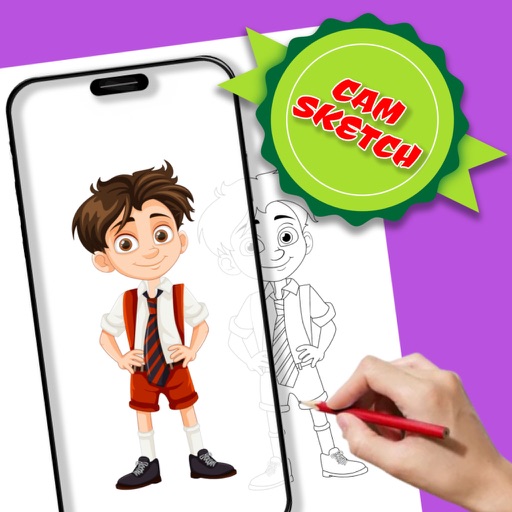
Use camera to project reference images into real-world space. Trace and over images with precision. Align and import images for accurate drawing. Save and share sketches directly.
Track progress and milestones for early learning. Explore alphabets, numbers, , and coloring through interactive . Access safe, educational puzzles and tracing activities for toddlers.
The app converts photos into pencil sketches and offers a collection of coloring pages. Users can select photos from their album or take new ones with the camera to create sketches.
Create vector art using Bézier tools and Apple Pencil. Convert sketches or photos to SVG format. logos, icons, illustrations, and UI assets. Export vector files for production use. Refine curves and edit vector drawings directly.
Games allow users to select color by number puzzles and images by tapping colors. Features include on pages, recoloring existing artwork, and saving progress. Users can access pixel art books and sketch freely without internet connection.
Solve puzzles by identifying missing objects in pictures and them in the correct location. Each level presents a scenario requiring creative problem-solving.
Learn to characters and animals with guided tutorials. Choose colors and customize designs. Save and share drawings. Access a variety of kawaii characters, anime, food, and holiday themes.
Use camera to project images onto paper for tracing. Draw directly on projected content. Adjust brightness and contrast for better visibility. Save and share artwork. Access tutorials for tracing techniques. Sync drawings across devices.