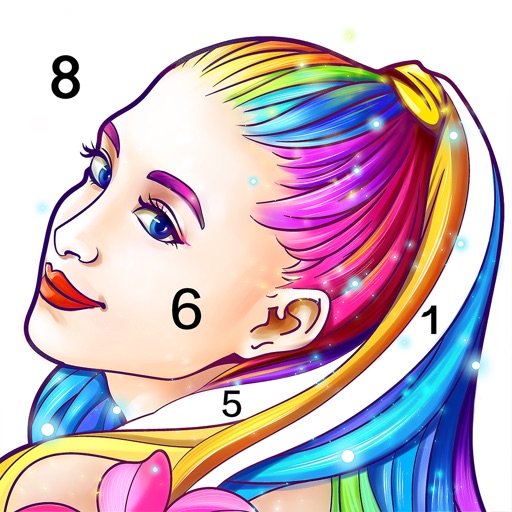
Allows users to pre-drawn images using numbered guides. Choose from themes like people, florals, animals, and mandalas. Create artwork by following -based instructions. Save and share completed designs.
Control and design exterior accent and holiday lights via mobile. Access pre-set programs for holidays like Christmas, Easter, and Halloween. Create custom sequences using features like Chase and Paint. Sync with to manage lighting effects remotely.
Create digital art with customizable brushes and over 1000 screentones. Design comic panels with fonts and filters. Add background brushes and adjust brush settings. Save and export artwork in various formats.
Create and edit digital paintings using pencil tools, brushes, and smudge features. Fill areas with color, add text, and draw shapes like lines and circles.
Create 3D designs using AI-powered tools. Upload photos to visualize changes. Choose from various styles and materials. Adjust lighting and furniture placement. Generate floor plans and material lists.
Create digital paintings with 6 brush types and full layer support. Use 6 smart guides for perspective, symmetry, and radial effects. Apply 8 Core Image filters and customize colors. Save and manage artwork in a gallery.
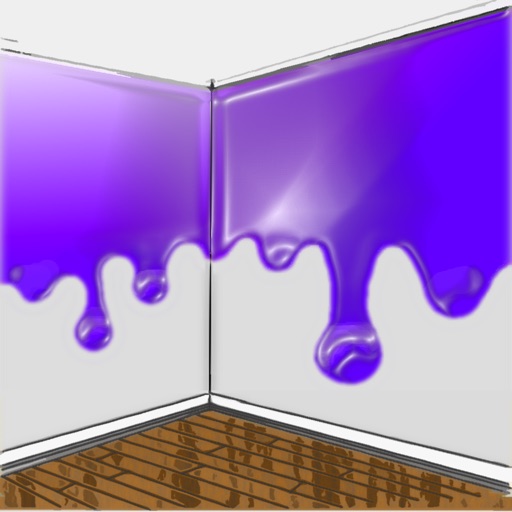
The app allows users to visualize new paint colors on their walls before painting. Users can try colors from a palette or sample real-world colors and apply them to photos of their home.
Visualize colors from major brands like Sherwin Williams and Benjamin Moore. Apply colors to 3D room models to see how they look. Test colors on walls, floors, and exteriors without physical samples. Save and compare swatches for decision-making.
Transform any room by uploading a photo and generating concepts. Choose from various styles, colors, and furnishings to customize the space. Preview changes and save or share the final .
Upload photos to visualize renovations. Choose from modern, minimalist, coastal, boho, or farmhouse styles. Adjust wall colors, flooring, and materials via text input. Generate photorealistic designs for comparison and planning.
The app allows users to virtually paint walls on a photo using their finger. Users can experiment with different colors to see how they fit with interior design before actual painting.
Explore paint colors with a virtual fan deck featuring Preview®, Classics®, Affinity®, and historical collections. Use the photo visualizer to apply colors to room photos by tapping surfaces for instant masking. Save and share swatches and images.
Create by painting individual pixels. Adjust canvas size, select colors, and customize border settings. Erase, undo, and resize drawings. Save artwork to gallery and storage. Share completed pieces others.