Learn tattooing techniques through detailed step-by-step tutorials. Access instructional videos and practice guides. Track progress and review sessions. Share notes and diagrams for reference. Sync lessons across devices for continuous learning.
Create AI-generated artwork from text prompts by selecting an art style. Edit generated images, share them, and view user-created AI art for inspiration. Export in various formats and adjust settings for customization.
Explore styles including tribal, skulls, fonts, flowers, henna, minimalist, and wolves. Select designs from list view or search. Create custom tattoos by adding elements and adjusting placement. Save and share finished designs.
Create and customize tattoos using AI-generated designs. Choose from various styles and adjust details like placement and size. Preview and refine designs before finalizing. Export tattoos for artists or personal use.
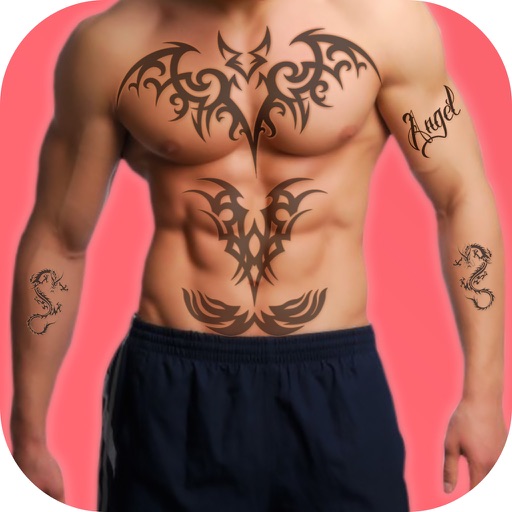
Upload a photo to visualize tattoos on your body. Choose or create a design and use AI to preview how it will look. Adjust placement and size for accurate results. Share or save the mockup for reference.
Generate designs using AI with options for geometric, watercolor, Japanese, black & gray, mandala, and old school styles. Customize colors, shapes, and layouts. Virtually try on designs on body parts with realistic rendering.
Edit photos with cropping, filters, and adjustment tools. Add tattoos and custom designs to images. Share edited photos directly or save them to your device.