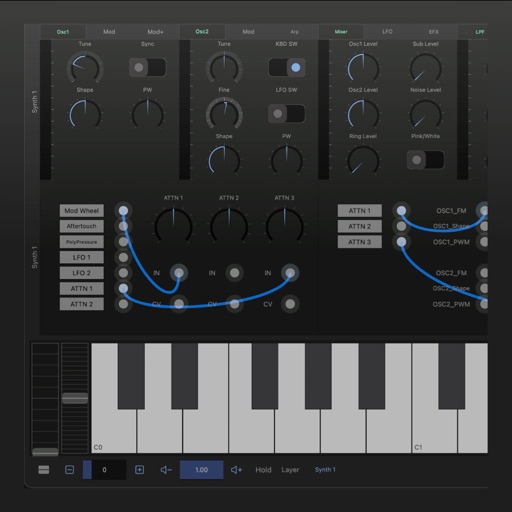
A synthesizer with 16 voice polyphonic capabilities. Users can create sounds using two oscillators per voice, adjust ADSR envelopes, apply filters, and control amplification. Includes effects, a sequencer, and audio visualization.
by Ryo Togawa★ 4.611 ratingsMusic$14.99Data updated 2026-09-06
Control MIDI and OSC messages using multi-touch and motion gestures. Assign gestures to trigger specific outputs. Customize interfaces without sliders or buttons. Integrate with synthesizers and other MIDI/OSC software.
Generate piano sounds with keyboard presses. Select from 128 general MIDI instruments. Send and receive MIDI notes to apps and devices. Display chord names and simulate sustain pedal. Connect via MIDI for synthesizer functionality.
Create dynamic audio effects with customizable modulation graphs. Adjust depth and parameters in four effect slots. Apply stereo waves, side-chains, filters, and glitches. Shape sound characteristics for precise track customization.
Simulate the sound of iconic British guitar amplifiers with detailed tone controls and effects. Load presets for different amp models. Adjust gain, EQ, and compression. Record and share audio directly from the .
The app emulates Roland PG-800, PG-300, PG-200, and PG-1000 synthesizer programmers. It connects to specific Roland synthesizers via CoreMIDI compatible interfaces or wireless MIDI.
Create and customize soundscapes using a semi-modular synthesizer. Trigger sounds with a 2-octave keypad or MIDI keyboard via Apple's camera adapter. Share presets with the desktop version of . Adjust parameters for evolving audio textures.
The app enables users to explore chords and progressions in major and minor keys. ChordMapMidi functions as a MIDI controller, sending note information to other synthesizer applications.
A music offering audio processing tools. Users can apply distortion, warmth, and compression effects. Adjust envelope followers and control drive circuits. Model noise generators for analog sound shaping. Export processed audio files.
Analyze stereo image and frequency correlation in real time. Detect mono down-mix compatibility. Adjust audio settings for balanced output. Monitor microphone input and process signals instantly. Ensure high-quality audio for mobile playback.
Allows users to create custom delay signals using three effect racks. Effects can be inserted before, during, or after the delay loop. Users adjust signal flow by selecting and arranging effect modules across the racks.