Track speed and distance in miles and kilometers. Display maximum, average, and current speed. Show road names and speed limits. Receive speed camera alerts. View weather information. Sync with Apple Watch. Display odometer readings.
Track speed with a graphical dashboard and analog/numeric display. View current location, weather, and temperature in Celsius or Fahrenheit. Switch between kilometer and mile units. Customize dashboard colors and use an analog compass.
Display current speed using GPS and show speed limits via online checks. Alert when exceeding speed limits. Track weather, temperature, odometer, altitude, and average/max speed.
Record with high quality and one-touch start. Pause and resume recordings as needed. Save unlimited files and email or transfer them to DropB for further processing.
Manage services, record attempts, map routes, notify
View jobs on an interactive map or list with details like due dates, client info, and addresses. Plan daily routes using job data. Record in-field attempts and send client notifications. Track service progress and manage job details remotely.
Access detailed U.S. , time zone information, and quick-reference state . View key facts, flags, and data for each state. Explore interactive online content for additional details.
Scan and create PDFs by capturing images with your phone's camera. Adjust clarity, crop, and rotate pages. Save files in various formats and share via email or cloud storage. Organize scanned into folders and access them offline.
Review driving videos and performance stats to track safety and efficiency. Watch event videos in the Activity tab and check for new content in the feed. View 90-day performance trends, detailed stats, and behavior patterns.
Record driving footage with motion detection and continuous recording. Track location and speed using GPS. Save and share videos directly. View playback and manage stored files. Receive alerts for impact detection and low storage.
View and playback video footage from compatible dash cams. Download and share recordings directly. Enable smart parking mode to trigger alerts when motion or impact is detected. Manage settings and receive notifications through the .
The app allows users to record, pause, and resume audio. Recorded sounds can be renamed, duplicated, cut, and shared via various methods including email, messages, and cloud services.
Real-time monitoring displays current via a virtual dashboard. Set limits to receive alerts. Track driving history and statistics. Share trip data with others. Syncs with iPhone for accurate GPS readings.
Record audio with one-touch start and stop. Playback recordings in background. Pause and resume sessions. Save in compressed format. Set output settings. Export files for sharing or further use.
Monitor vehicle performance with real-time data from sensors. View diagnostic trouble codes and sensor values. Access full vehicle history reports. Control engine functions like throttle and ignition. Save and export diagnostic logs.
Monitor vehicle health with real-time diagnostics. Inspect ignition, exhaust, and electronic systems for faults. View fault codes with three severity levels. Clear stored fault codes from the ECU. Analyze driving patterns to improve efficiency.
Capture and analyze paranormal activity with AI-powered imaging. Detect human figures in low-light and complete darkness. Use structured-light lidar and infrared technology for enhanced visibility. Export and share recorded sessions.
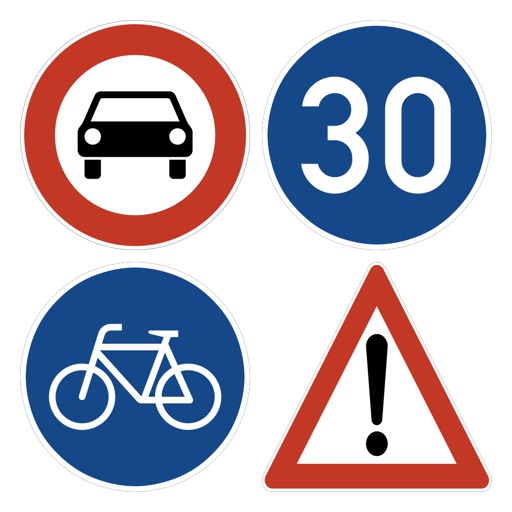
The app offers a Drivers License exam simulator and learning mode. It includes Georgian Road Signs and Laws, with support for Georgian, English, Russian, Turkish, Azerbaijani, and Armenian languages.