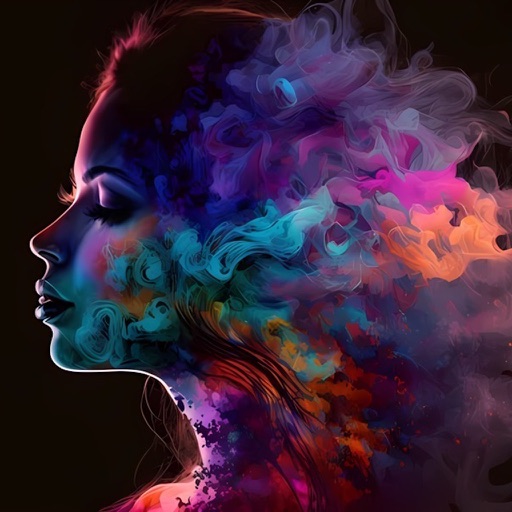
Create written content for ads and customer communication. Generate images, illustrations, and infographics. Customize text with emotional tone. Export content in multiple formats. Integrate with design tools for visual projects.
by DOWNLOADTHIS, LLC★ 5.03 ratingsGraphics & DesignFreeData updated 2026-09-06
Create -style artwork from text or images using AI. Adjust character designs, backgrounds, and color schemes. Export and share finished pieces. Collaborate on projects with real-time editing features.
Create and manage custom AI assistants with prompts and variables. Use multiple AI providers and web search tools for information. Process images, documents, and text. Generate formatted output with Markdown and LaTeX.
Generate strong passwords with customizable security criteria. Create memorable passphrases and unique UUIDs. Produce secure PIN codes and manage cryptographic keys. Export generated data in various formats.
Provides AI-powered text generation, translation, and editing. It fixes spelling and grammar, adjusts tone, and answers questions. It works across apps, supports over 50 languages, and streamlines communication without switching apps.
Create and edit with advanced formatting, formulas, and chart creation. Import and export data in multiple formats. Collaborate in real-time with team members. Use AI to generate tables from raw data.
Scan QR codes, barcodes, UPC, EAN, and 3D QR codes. Decode and generate codes instantly. Access product data automatically. Share scanned content via links or text. Save and edit generated QR codes. Connect to Wi-Fi, WhatsApp, and YouTube directly.
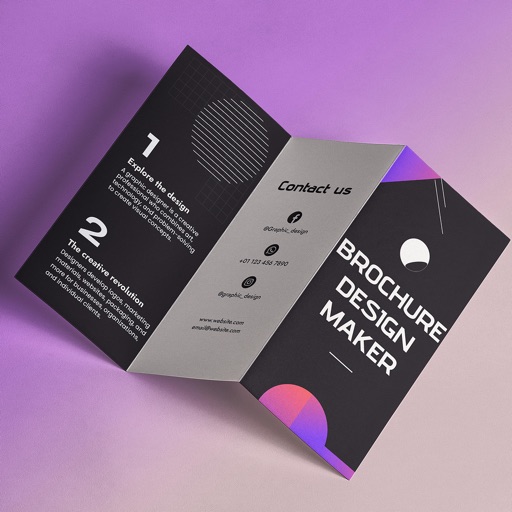
Create brochures by selecting from 2500+ templates across industries like business, travel, and education. Edit layouts, add text, images, and graphics. Export as PDF or print directly. Save and share designs.
Edit and customize -style and artwork for commercial use. Access royalty-free content for single-user use across up to three devices. Import into design projects and use them in compatible applications.
Edit photos and videos with AI-powered tools for automatic enhancements. Adjust brightness, contrast, and colors. Add text, stickers, and filters. Export in various formats and share directly.
Create and customize chord progressions using scale types, chord types, and voicing parameters. Generate rhythmic patterns and random sequences for musical variations. Export MIDI files and integrate with digital audio workstations.
Patients can communicate their needs using a visual interface and audio output. They can select from over 120 preloaded phrases, search for specific ones, and create custom phrases. The allows them to describe pain location, type, and intensity.
VectorPaint allows users to create illustrations with paths, compound paths, text, images, groups, masks, and gradient fills. It supports unlimited layers and exports to SVG or PDF via . Users can select, scale, and manipulate objects efficiently.
Generate text, images, and audio using AI. Draft emails, reports, and social media content. Analyze files for insights. Create visual content based on descriptions. Organize tasks and set reminders. Sync across devices for seamless access.
Generate hashtags and captions for Instagram, TikTok, X, and LinkedIn by adding an image or describing your content. Get results instantly with one-click simplicity. Optimized for multiple platforms.
Create and save high-quality 2048x2048 images using AI. Select from hundreds of art styles and artists to generate unique artwork. Use random prompts to design text inputs for image generation.
In 3D using augmented reality. and design in real-time with intuitive tools. Adjust lighting and perspective. Export creations in various formats. Collaborate in real-time with others. Sync projects across devices.
Save web pages as full pages with all images and formats preserved. Export content in PDF, JPEG, PNG, or multi-page formats. Organize and access saved content privately and securely.
Create high-quality images and videos using AI. Generate, upscale, and restore media. Remove backgrounds, swap faces, and experiment with over 80 AI models. Edit and refine outputs within the . Export final creations in various formats.
Edit and annotate PDF documents with drawing tools, text, and notes. Add signatures and set passwords. Create new PDFs from scanned or other formats. Organize content with bookmarks and protect with encryption.