Capture photos with controls including shutter, ISO, and white balance adjustments. Edit images using film-emulating presets, RAW processing, and advanced color settings. Export photos in high-quality formats and share directly.
Edit photos by applying filters and adding eye effects. Choose from multiple eye styles and import images from the camera roll. Share edited photos on social media platforms like WhatsApp, Facebook, and Twitter.
Take photos with analog-style cameras featuring filters and film grain. Adjust exposure, focus, and white balance manually. Share images directly to social media or save to the roll.
Offers manual camera controls for iPhone and iPad. Users can adjust exposure, focus, and white balance. Capture photos in ProRAW and ProRes formats. Record videos with advanced settings. Access DSLR-like features for precise image adjustment.
Perform reverse searches using Google, Bing, or Yandex. Upload images from the gallery or camera roll, or paste URLs. Edit and crop images before searching. Find similar images and check for duplicates.
Images by selecting files and choosing from preset or custom size options. Adjust measurements in pixels, inches, millimeters, or centimeters. Bulk multiple images using a master file and apply settings to all selected photos.
Resize videos to custom aspect ratios. Crop, rotate, and adjust dimensions. Add background blur, gradients, or solid colors. Include animated text and emojis. Export videos for Instagram, Twitter, Facebook, Pinterest, and YouTube.
Bluetooth-enabled lights remotely via smartphone. Adjust settings, brightness, and color temperature. Receive firmware updates directly through the . Sync with cameras for seamless lighting adjustments during shoots.
Using a wide selection of fonts and customize color and background. Place boxes anywhere on the image and adjust styling for personalization. Save and share edited directly.
Enhance low-quality photos using machine learning. Import images from gallery or capture new ones with camera. Tap a button to automatically improve resolution. Compare before and after enhancements in real time.
Capture photos with natural grain and film-like exposures without AI processing. Save images in Raw DNG format for editing in professional tools. Use Apple's ProRaw for high-quality capture. No editing features included.
Manage Fuji camera photos with color recipe recording and management. Add watermarks and borders using over 60 styles. Identify simulation parameters. Access hundreds of Fuji color . Share edited photos directly.
Create greeting cards and postcards with customizable templates, decorations, stickers, emojis, and fonts. Add photos, adjust text, and export designs to share via social media or email.
Allows trimming, cutting, and adding effects to videos. Collage lets arrange multiple photos into grids or layouts. Slideshow creates timed photo presentations with music. Photo offers filters, cropping, and text tools.
Create images from text prompts with AI. Generate realistic photos, bold art, and layouts. Edit images to adjust details, extend scenes, or remove backgrounds. Design logos, headshots, and marketing materials.
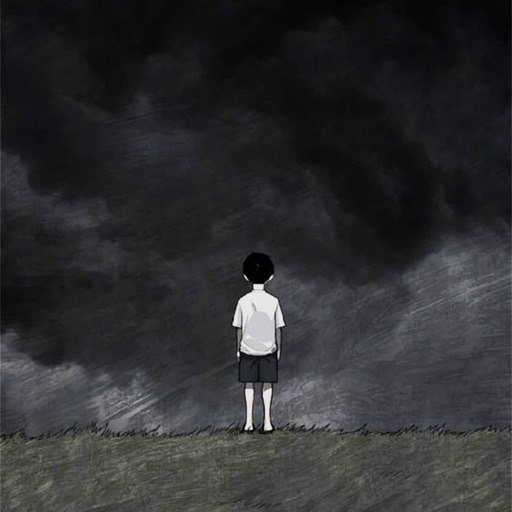
Customize phone with images of sad characters. Select and set images as with one-click save. Access high-quality pictures without hidden conditions. No memory usage restrictions. Apply and download wallpapers directly.