Photos and documents directly from the photo library or file manager. documents via camera, crop, and save for later printing. Edit photos with cropping and filters before scanning. Quick web pages or document sections for immediate printing.
Manage financial and digitally. Scan credit and debit to save in . Convert receipts, notes, and contracts into PDF, Word, or JPEG. Access files across iPhone, iPad, and Mac.
Secure Files & Private Browser allows users to import and manage downloaded files. It includes a manager for organizing documents, photos, and videos. Users can hide files, photos, or videos to protect privacy.
Documents, receipts, and notes as multipage PDFs. Auto-detect document edges and straighten pages. Add, resize, move, and delete signatures on any page. Email, upload to cloud services, and store files securely.
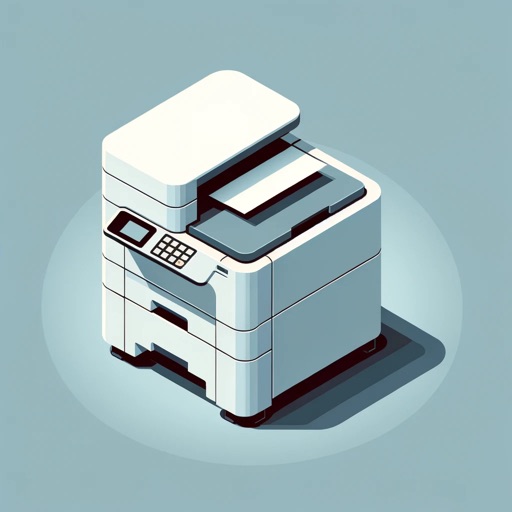
The app allows printing of PDFs, photos, documents, and web pages. Content can be shared from other apps using the iOS Share menu and printed over WiFi, AirPrint, or saved as PDF.
Write digitally by entering payee, amount, and date. at home using compatible printers and paper. Track expenses and manage checkbook entries. Share images for record-keeping. Sync transactions with bank accounts.
Print photos and files using multiple methods including scan, iCloud, collage, and gallery. Create collages to print multiple photos on one page and save ink. Support 8000+ printers for wireless printing.
Securely store and manage files and emails with private user profiles. Switch users quickly to an . View and display PDF, Office, and iWork documents. Transfer and store files from cloud or computer.
Print documents, photos, and emails directly from your device. Scan and save documents as PDFs. AirPrint compatible with various Wi-Fi printers. Share printed files via email or messaging. Manage print jobs and settings from the .
Allows users to photos, contacts, phone numbers, and web pages directly to network or WiFi . It supports printing emails, documents, and calendars. Users can convert content to PDF and from Apple Watch. Printing via computer to all is also possible.