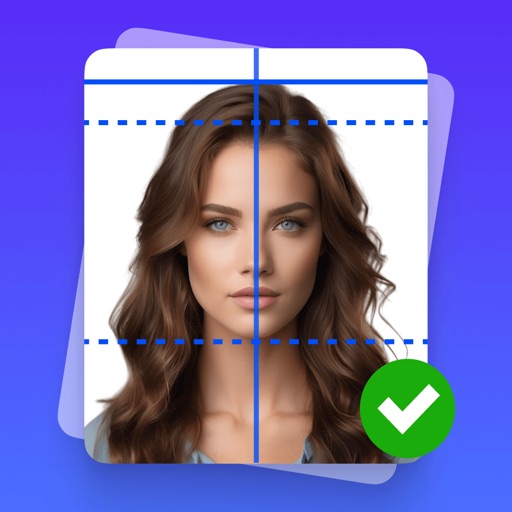
Apps Like Passport Photo Maker・ for iPhone and iPad
Generate and ID photos
Create professional and ID photos directly from your phone. Use AI to generate biometric images compatible with over 180 countries and 500+ documents. Remove backgrounds automatically, follow smart requirement guides, and export in multiple formats.
by 7 Mobile Teknoloji Anonim Sirketi★ 4.7622 ratingsProductivityFreeData updated 2026-09-06
Create ID photos by removing the portrait from the background using brush tools. Choose from over 20 background styles including solid colors and spotlight options. Export the final image in standard photo format.
Recognize type and extract data from images. Perform OCR on text, read MRZ, RFID, barcodes, and verify identity documents. Process documents offline without sending data to external servers. Take photos with the camera or select from the gallery.
Create professional-quality ID photos for passports, visas, and other official documents. Select from various templates and guidelines. Adjust background, crop, and resize images. Save and share photos in multiple formats.
The app provides real-time banking balances and activity, historical information for all accounts, and investment portfolios with intra-day price updates. Users can transfer money, pay bills, deposit checks, and find office locations.
Create videos quickly with an AI script generator that turns simple ideas into full scripts. Use a for smooth recording, add AI-generated captions, and replace backgrounds with green screen tools.
Manage contacts, track campaign performance, and monitor sales metrics on the go. Create and send email campaigns, schedule posts, and access analytics. Edit campaign details and adjust settings directly from the mobile interface.
, receipts, and IDs using a fast document . Edit scanned files, add signatures, and convert to PDF. Share files directly or save to cloud storage. Organize and manage digital securely.
Create professional resumes using AI-generated content based on user input. Import LinkedIn profiles or existing resumes for customization. Tailor resumes to specific job applications. Export in multiple formats and share directly.
Create -sized photos with adjustable size settings and background removal. Edit images to meet official specifications. Save and share edited photos directly.
Access AI tools for image generation and editing. Create and modify images using multiple AI models. Apply various artistic styles to images. Edit photos with advanced features. Export and share edited content.
Convert documents to PDF, Word, TXT, or images. Scan and edit pages with OCR text extraction. Share files directly or save to cloud storage. Organize and annotate scanned documents. Export in multiple formats for easy use.
Password-protect files, photos, videos, documents, contacts, and notes with custom passwords. Transfer files wirelessly between iPhone and PC/Mac. Import audio files directly without iTunes. Manage WiFi connections and transfer files via WiFi.
AI allows users to type, speak, or upload files for assistance. It provides writing support, research help, and homework solutions. Users can generate AI images and receive instant responses from an advanced .
Record videos with a effect by displaying scripts beside the camera. Read lines while facing the camera to maintain eye contact. Position device freely for optimal script visibility during recordings.
Use AI to generate text, answer questions, and create content. Organize tasks, set reminders, and manage schedules. Access tools for writing, coding, and brainstorming. Share ideas and collaborate with others in real time.