Edit photos by adding customizable beards and mustaches. Choose from various styles and positions. Resize or rotate elements using multitouch. Save edited images and share them with others.
Color pages using finger drawing or brush tools. Select from various pages. Adjust color intensity and brush size. Save completed drawings. Share finished artwork via social media or email.
The app offers a digital coloring experience with over 120 free animal pictures. It features a stay-in-line brush, nine brushes for painting and drawing, and 50 pattern brushes for a unique coloring book and drawing pad.
Play through levels by expanding the area. Use simple swipe gestures to move and combine elements. Unlock new tools and power-ups to progress further. Compete with others in timed challenges. Share achievements on social media.
Play a game where players draw shapes in one continuous without lifting their finger. Complete levels by connecting points without overlapping lines. Each level increases in difficulty to challenge problem-solving skills.
Allows children to draw using color selection, shape tools, and an eraser. It plays when drawing and includes a random color option. Users can change line thickness and save drawings.
Play by touching and dragging to erase parts of a drawing or complete missing sections. Reveal hidden images by removing layers. Create and customize drawings with intuitive touch controls.
Create mixtures by dragging and dropping basic colors onto a canvas. Combine RGB, black, white, or other hues to form new shades. Match resulting colors to pieces displayed above the screen.
Create by painting individual pixels. Adjust canvas size, select colors, and customize border settings. Erase, undo, and resize drawings. Save artwork to gallery and storage. Share completed pieces others.
Create intricate tessellations and mandalas using 20 symmetry options. Draw with customizable colors and patterns. Adjust symmetry settings to design complex shapes. Save and export artwork in various formats. Share creations directly from the .
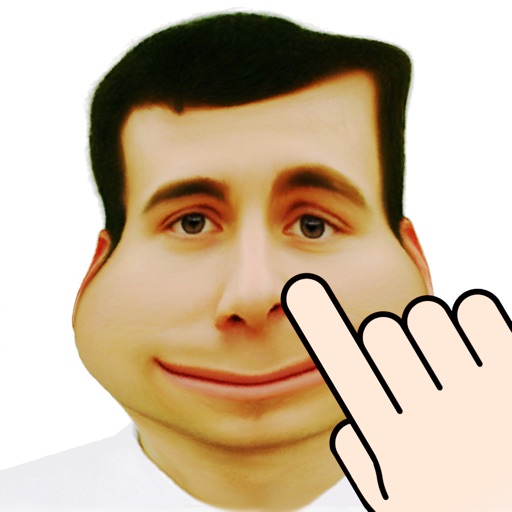
The app warps pictures, making them funny. Users can take new photos or select existing ones to modify by touching the screen or using a random button.
Create images, drawings, and paintings with customizable brush settings including thickness, color, transparency, and dynamic intensity. Sketch and modify simple graphics for logos, clothing, hairstyles, and more.