Create and quizzes from uploaded documents like PDFs and text. Edit and organize study materials. Track progress and review weak areas. Set study goals and receive feedback on performance. Share study sets with others.
Access detailed event agendas, workshops, and networking opportunities to prepare for the event. Personalize your schedule based on interests. Review presentation content before, during, and after sessions.
Engaging interactive content for learning anytime.
The app provides interactive content including videos, quizzes, and slides. Users can learn at their own pace, anytime and anywhere, fostering critical thinking.
Attend sessions via email or web link. Interact in real-time with audio, screen sharing, and guided presentations. Collaborate in virtual classrooms and web conferences. View web tours and participate in discussions.
Access conference programs, schedules, and session details. Build a personal daily schedule. Receive reminders and updates. Take notes, bookmark, and filter content. Engage with peers and network. Search for specific information.
Create professional-looking presentations with customizable templates. Add text, images, and animations. Edit slides, update content, and share presentations online or via email. Export in various formats for viewing and printing.
Create, search, and watch videos and presentations. Share content with others. Browse rich media in a controlled environment. Access video libraries and manage media files. Collaborate through comments and discussions.
Turn iPad into a wireless whiteboard. Annotate PDFs and images live by projecting them to a computer on the same network. Draw, write, and highlight in real time using the iPad's screen. Share annotations directly from the web browser.
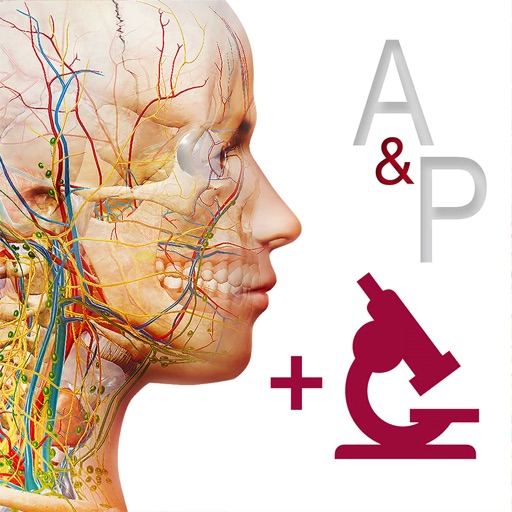
Explore 3D models to study nerves, vertebrae, and cranial structures. Rotate and zoom to examine anatomical details from multiple angles. Watch animations explaining muscle contractions.
Turn iPad into a for real-time annotations. Project PDFs and images to a computer via local network. Annotate live during presentations. No subscriptions or additional software required. Share annotated content directly from the browser.
The app provides schedules, maps, and resources for University of Florida events. Users can customize their experience by selecting programs and access social feeds for updates.
Access Bible texts with improved offline functionality. Navigate a simplified interface. Listen to audio versions and view video content. Explore in-depth study materials and save progress for later.