Create AI-generated tracks by typing a vibe description. Add custom sounds, adjust beats, and mix elements. Export tracks for TikTok, gym videos, or personal use. Share directly or collaborate with others.
Create videos using personal photos and . Select images from the Photo Library, apply transition animations and set frame durations. Save videos to the Photo Library or share them directly.
Create beats using step sequencers and pads. Sample sounds from Roland TR and MPC machines. Mix tracks with a built-in mixer. Record and play back custom patterns. Adjust tempo and rhythm settings. Export and share finished projects.
Play puzzle games using dominoes and gravity. Choose from 3 game modes. Compete on global leaderboards. Enjoy 12 music tracks. No ads or in- purchases. Track progress and challenge mind daily.
The app provides a virtual sampler and drum machine for creating hip-hop audio tracks. Users can utilize loops, one-shots, and samples to compose melodies and keep rhythm with a metronome.
Stream from YouTube and SoundCloud. Adjust audio with bass booster and equalizer. Play videos with screen off. Purchase premium features for enhanced experience.
Create beats using high-quality kits including Electro, Urban, Vintage, Classic, Techno, Percussion, and Vocal. Mix eight tracks to adjust volume and balance. Record and export audio files. Sync with Apple Health to track activity.
Stream and organize files across devices. Create custom playlists and sync albums. Download MP3 songs for playback. Manage library and access tracks without internet. Share directly from the .
Create custom mixes by combining different genres and tracks. Add vocals, bass, pads, and beatbox samples. Use 4 slots to arrange modules. Access preloaded packs of lo-fi hip-hop, trap, R&B, and drum and bass. Export and share finished mixes.
Stream and organize with storage. Create custom playlists and sync across devices. Download MP3s for offline playback. Manage libraries and access songs from multiple sources.
Create and edit using a variety of -making tools. Import and customize samples from different genres. Adjust tempo, mix tracks, and add effects. Export final compositions in multiple audio formats.
Create slideshows using images and videos from your device's library. Arrange media in custom order. Add transitions, background , and text overlays. Save and share finished slideshows.
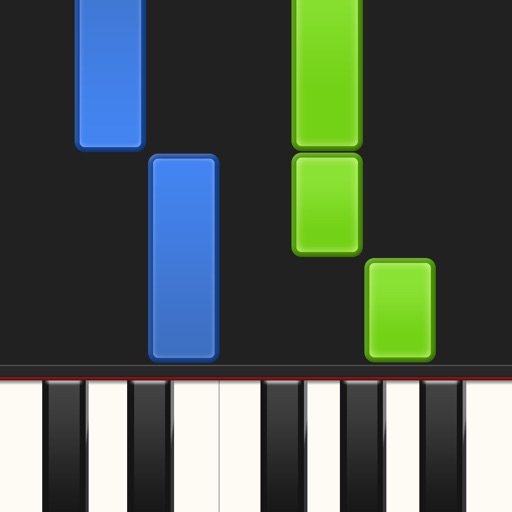
Learn piano by playing falling notes on touchscreen or connected keyboard. Practice melodies with real-time note feedback. Play left or right hand separately. Sync with lighted keyboards. View sheet music or falling note blocks.
Manage and organize files with support for MP3, FLAC, WAV, AAC, OGG, and other formats. Create and manage playlists including Favorites, Offline tracks, and custom collections. Access a minimalist interface for browsing and playing .