
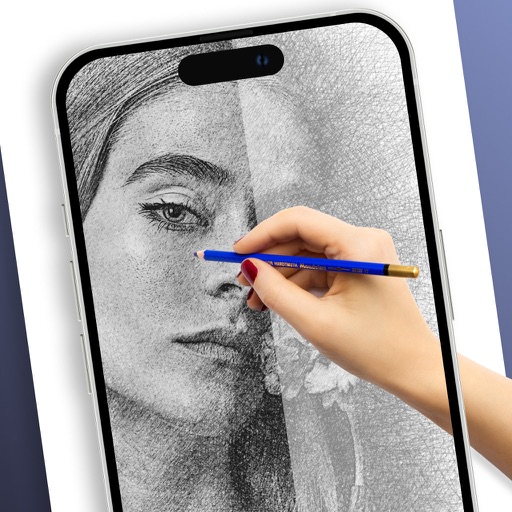
Apps Like AR Drawing - Learn How to Draw for iPhone and iPad
Sketches with AR technology
To sketches using AR technology. Choose from various categories to practice. Follow step-by-step instructions to improve techniques. and paint directly on the screen. View animated tutorials for guidance. Save and review your artwork.
AR Drawing - Learn How to Draw screenshots
Ranked alternatives
Showing 101–120 of 1,000 ranked alternatives.

ShadowDraw: Learn How to Draw
Shadow Draw
With Apple Pencil guidance
To with guided lessons that show real strokes from professional artists. Practice step-by-step techniques to build confidence and accuracy. Use Apple Pencil for precise input and track progress through interactive exercises.


Pose Arch
KAZUMASA KAWAZURE
Draw stick figures and search for references
Find and save reference poses for drawing characters. View poses from different angles, adjust them, and save images. Support for VRM file reading and stick figure creation.


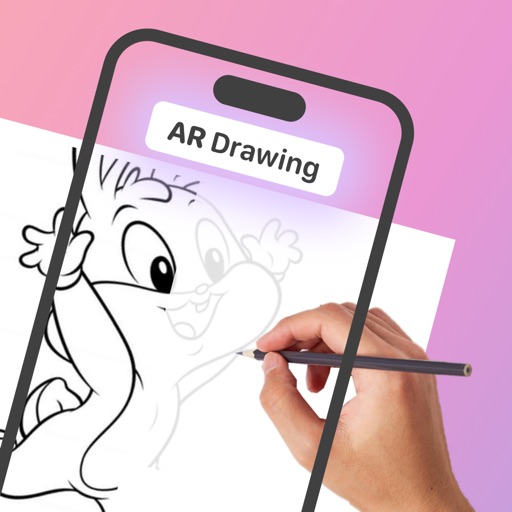

Paint App: Trace & AR Draw
QUYEN NGUYEN
With AR, and color digitally
With AR to images or text on real surfaces. Use guided frames for beginners. Create sketches and color them. Export artwork in various formats. Sync projects across devices.


AR Drawing Sketch Paint
360 COMPANY BILISIM TEKNOLOJILERI REKLAMCILIK MEDIKAL TURIZM SANAYI VE TICARET LTD STI
Draw with AR and AI to create
Draw on real-world surfaces using augmented reality. Trace and with AI-powered tools. Edit and refine drawings with color, brush size, and opacity controls. Share creations directly from the .

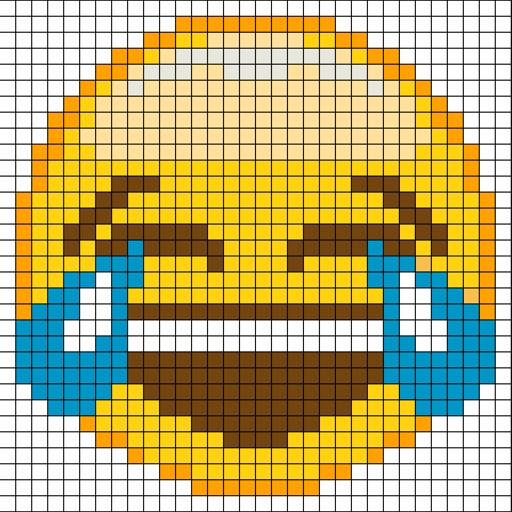
Pixel Art - draw with dots
Mireia Lluch Ortola
Paint pixels, create art, share images
Create by painting individual pixels. Adjust canvas size, select colors, and customize border settings. Erase, undo, and resize drawings. Save artwork to gallery and storage. Share completed pieces others.

AR Drawing: 3D Sketch & Trace
Nienke Pleun
Draw on paper with your phone camera
Use your phone camera to projected images on paper and add color. Choose from templates like animals, cars, and nature. Includes a built-in flashlight. Share finished drawings with friends.
Paintist - Color by Number
元彬 蔡
Artworks and complete puzzles
By artworks with pre-drawn grids. Select and paint images using colored markers. Save and share completed drawings. Access a library of free artwork to .

Graffiti - AR Drawing
Kyoya Yamaguchi
Draw, animate, and place art in AR
Create 2D or 3D drawings in AR environment. Place artwork on walls, floors, or in mid-air. Adjust size, position, and perspective. Export images or share directly.


Drawsy: AR Draw for Sketching
Estu LLC
Sketch with AR and paint digitally
Use AR to sketch and paint on paper. Select images from the built-in gallery. Position paper on a flat surface for accurate drawing. Draw over projected images with precision. Save and share artwork directly.

How we rank alternatives
Apps are ranked by functional similarity, category fit, rating confidence, and popularity.