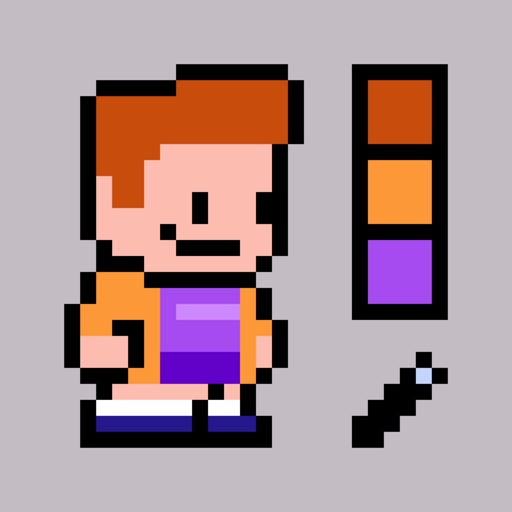
Create pixel-art avatars by selecting items from 14 categories. Choose color variations for each item. Customize character appearance with different accessories and clothing. Save and share avatar portraits. Add tags to portraits for identification.
by David Alvarez★ 4.8104 ratingsEntertainmentFreeData updated 2026-09-06
Create AI-generated art from text prompts. Generate portraits and scenes with simple descriptions. Edit and share generated images directly. Access a variety of artistic styles and customization options.
Generate trending and high-performing hashtags using AI technology. Enter a base hashtag to receive suggested variations. Manage hashtags across social media platforms. Boost follower growth through targeted hashtag strategies.
Create a customizable character by selecting species, fur color, ears, tail, eyes, hairstyle, and vibe. Design expressions and poses. Mix and match clothing, accessories, and styles with seasonal updates.
Add animated pixel art to your iPhone or iPad. Choose from categories like characters, animals, and emojis. Each category includes multiple animated . Customize home screens with over 25 unique animations. Purchase additional through in- purchases.
Use machine learning to enhance selfies with filters, effects, and pose adjustments. Edit photos by adjusting brightness, contrast, and skin tone. Share edited images via social media using the #shakyapp hashtag.
Create and manage social media content with hashtag generation and search. Add, mix, and save custom for reuse. Include pre-written for posts, ranging from sassy to cute. Edit and share content directly with integrated tagging options.
Control a robotic sidekick with hand gestures and voice commands. Navigate through rooms autonomously. Plan paths and interact with props from a popular movie franchise. Remote control actions and set movement sequences.